Lesson 37: ps Command
In this lesson, you'll learn how to use the ps command to view information about running processes on a Linux system.
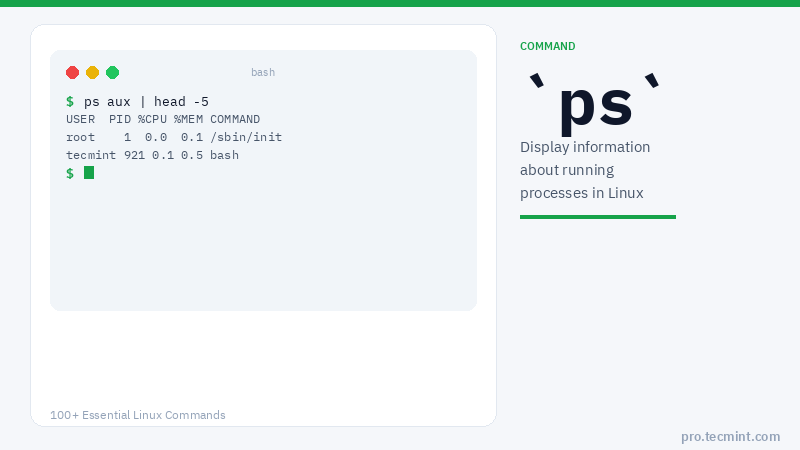
ps (processes status) is a native Unix/Linux utility for viewing information concerning a selection of running processes on a system. It reads this information from the virtual files in the /proc filesystem.
It is one of the important utilities for system administration, specifically under process monitoring, to help you understand what is going on in a Linux system.
It has numerous options for manipulating its output. However, you'll find a small number of them practically useful for daily usage.
Let's discuss some examples of ps commands for monitoring active running processes on a Linux system.
Note: ps produces output with a heading line, which represents the meaning of each column of information. You can find the meaning of all the labels on the ps man page.
ps Command Syntax
$ ps [OPTIONS]
ps Command Options
| Option | Description |
|---|---|
-A or -e |
Display every active process on the system |
-f |
Full-format listing |
-F |
Extra full-format listing |
-x |
Display all processes owned by the current user |
-U USER |
Select processes by real user ID (RUID) or name |
-u USER |
Select processes by effective user ID (EUID) or name |
-G GROUP |
Select processes by real group ID (RGID) or name |
-p PID |
Select processes by PID |
--ppid PID |
Select processes by parent PID (PPID) |
-t TTY |
Select processes by terminal (TTY) |
-C COMMAND |
Select processes by command name |
-L |
Show threads (LWP and NLWP columns) |
-o FORMAT |
Define custom output format |
--forest |
Display a process tree |
--context |
Show security context (SELinux) |
-M or --context |
Show SELinux security context |
L |
List all format specifiers |
1. List Processes in the Current Shell
If you run the ps command without any arguments, it displays processes for the current shell.
$ ps
  PID TTY          TIME CMD
  921 pts/0    00:00:00 bash
 1023 pts/0    00:00:00 ps
2. List All Processes in Generic Format
Display every active process on a Linux system in generic (Unix/Linux) format.
$ ps -A
Or:
$ ps -e
  PID TTY          TIME CMD
    1 ?        00:00:01 systemd
    2 ?        00:00:00 kthreadd
    3 ?        00:00:00 rcu_gp
  ...
  921 pts/0    00:00:00 bash