Chapter 18: Secure SSH with fail2ban, Rate Limiting, and IP Whitelisting
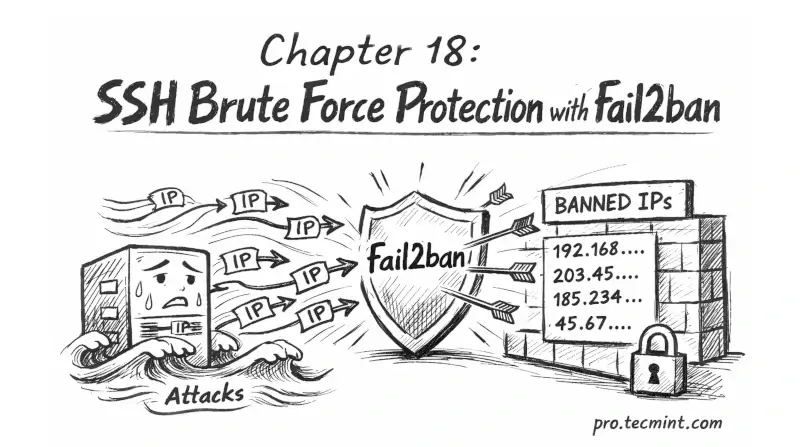
In Chapter 18, you will learn how to protect SSH from brute force attacks using fail2ban, rate limiting, and IP whitelisting to block attackers and allow only trusted access.
In the previous chapter, you restricted SSH access to specific users and groups, added Match blocks for per-user restrictions, and built a precise access control layer on top of the hardening from Chapter 16.
But bots do not know that yet, and they will keep hitting your SSH port, trying usernames, rotating IPs, and filling your logs. Even if they cannot log in, they still waste resources and make it harder to spot real issues.
In this chapter, you will set up fail2ban to automatically block suspicious IPs, add rate limiting at the firewall level, and use IP whitelisting to allow only trusted addresses where possible.
 Tecmint Pro