Chapter 16: Disabling Password, Root Access, and Changing Port
In Chapter 16, you will learn how to implement three key SSH hardening steps: disabling password authentication to stop brute force attacks, disabling root login to block direct privileged access, and changing the default SSH port to reduce automated bot traffic.
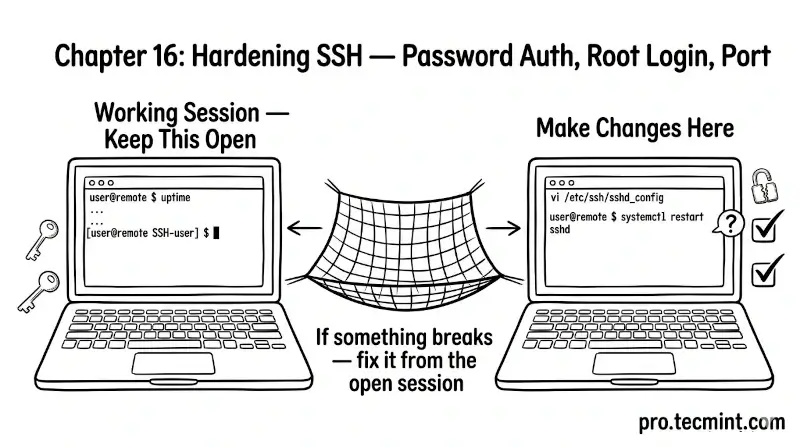
In the previous chapter, you learned how the sshd_config file is structured, how to edit it safely, and how to test and apply changes without disrupting active sessions.
In this chapter, you will implement the three most impactful SSH hardening steps: disabling password authentication, disabling root login, and changing the default SSH port.
These three changes alone eliminate the vast majority of automated attacks that every public-facing SSH server faces every day.
Before making any of these changes, make sure you have completed the steps in Module 3, specifically that you have a working SSH key pair installed on the server and have confirmed that key-based login works.
If you have not done that yet, go back to Chapters 11 and 12 first, because disabling password authentication before confirming that key-based login works can lock you out of your server.
 Mead Naji