Lesson 51: mknod Command
In this lesson, you'll learn how to use the mknod command to create special device files in Linux.
In Linux, everything is a file, even physical devices such as disk drives, CD/DVD ROM, and floppy disks are represented using files.
However, these files are not regular data files. Instead, these special files are called device files,, and they can generate or receive data.
Usually, all the special files are present under the /dev directory. Some of the common examples of special files are /dev/null, /dev/zero, /dev/full, and /dev/sr0.
The special files can be of the type character or block. As the name suggests, character files process one character at a time, whereas block files process multiple characters at a time.
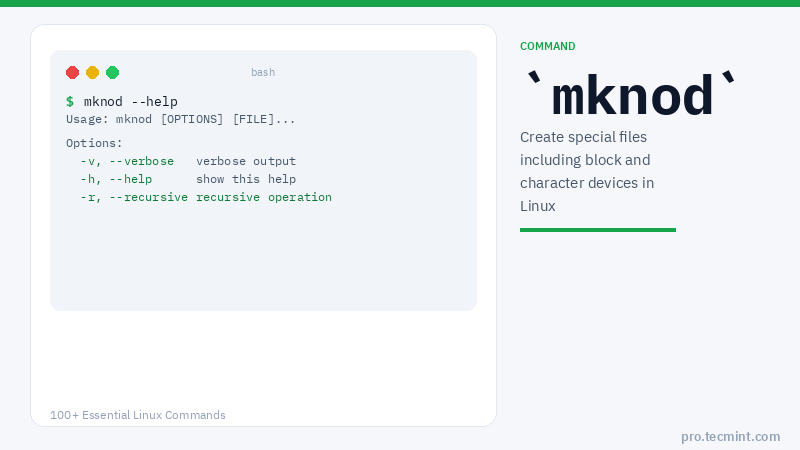
The mknod command is used to create a device file.
mknod Command Syntax
The syntax of the mknod command is slightly different from other Linux commands.
The main difference is that we need to specify the major and minor numbers while creating character and block device files:
$ mknod [OPTIONS] <NAME> <TYPE> [MAJOR] [MINOR]
In the above syntax, the square brackets ([]) represent the optional arguments whereas angular brackets (<>) represent the mandatory arguments.
In Linux, the major number is used to specify the device driver that needs to be used. This number is assigned while registering a device driver.
In a similar way, the minor number is used to specify the actual device. We can find the reserved major and minor numbers in the Linux kernel's documentation.