Chapter 9: File Permissions, Ownership, and Sudo
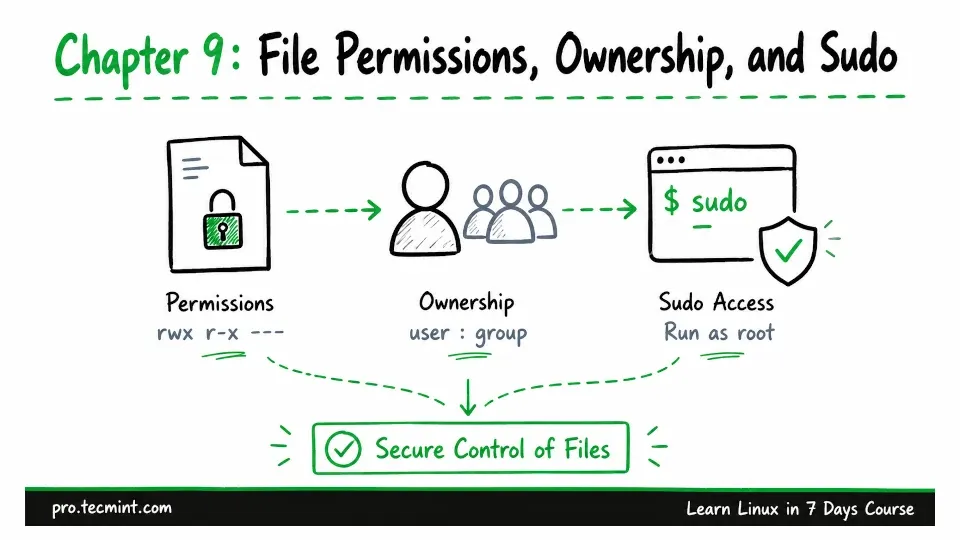
In this chapter, you'll read and change file permissions, set ownership, configure umask, apply SGID and sticky bit, and grant sudo access safely.
In Chapter 8, you created three developer accounts, added them to a group, and created the /srv/project directory. However, we left the directory with its default ownership and permissions.
Now it is time to finish that setup.
Every file and directory in Linux has an owner, a group owner, and a set of permissions. These decide who can read or change a file, enter a directory, create new files, or run a program.
You have already seen these permissions many times in the first column whenever you run ls -l. We have been seeing them since Chapter 4, but until now, we have not stopped to look at what they actually mean.
That is what we are going to do in this chapter.
By the end, /srv/project will be a proper shared workspace. The users dev01, dev02, and dev03 will all be able to work inside it.
New files will automatically belong to the developers group, and users will not be able to delete files created by someone else.
Before we set that up, though, there is one useful skill you need to learn first.