Chapter 8: Manage Users and Groups in Linux
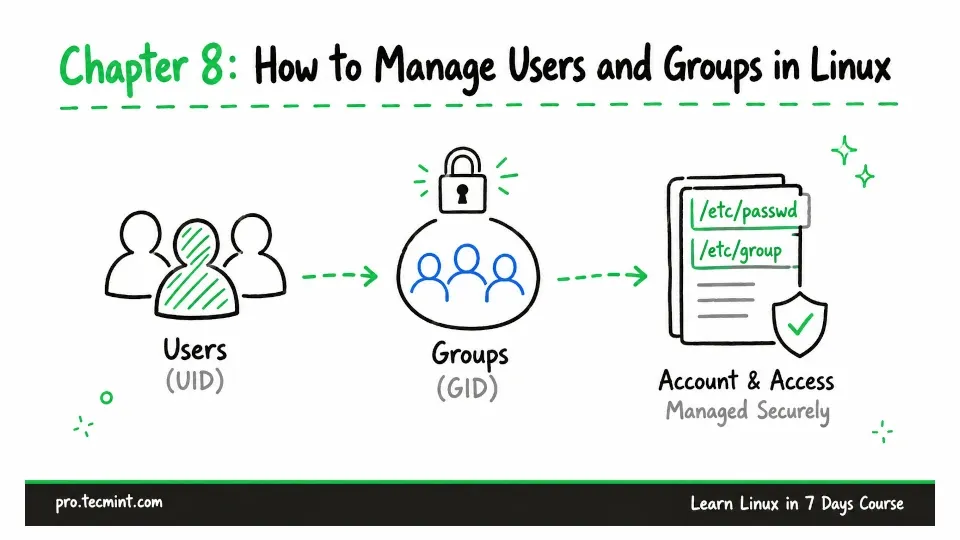
In this chapter, you will learn how Linux manages users and groups, including UIDs, GIDs, account files, passwords, and group memberships.
In Chapter 7, you learned how to find files by name, type, size, ownership, and modification time.
You probably noticed that ownership came up several times, because every file in Linux belongs to a user account and a group account.
Behind the scenes, Linux tracks ownership using numeric User IDs (UIDs) and Group IDs (GIDs), but so far, we have not looked at where those users and groups come from or how Linux manages them.
Linux is designed as a multi-user operating system. Even if you are the only person using your computer, Linux normally has many user accounts in the background for services such as web servers, databases, and monitoring tools.
As a Linux administrator, you will often need to manage these accounts. That includes creating users, adding them to groups, setting passwords, controlling account expiration, locking access, and removing accounts when they are no longer needed.
That is what we will cover in this chapter.
In Chapter 9, we will build on this knowledge and look at how Linux uses users and groups to control who can read, write, or execute files and directories.