Chapter 2: Setting Up Icinga Web 2 on RHEL-Based Linux
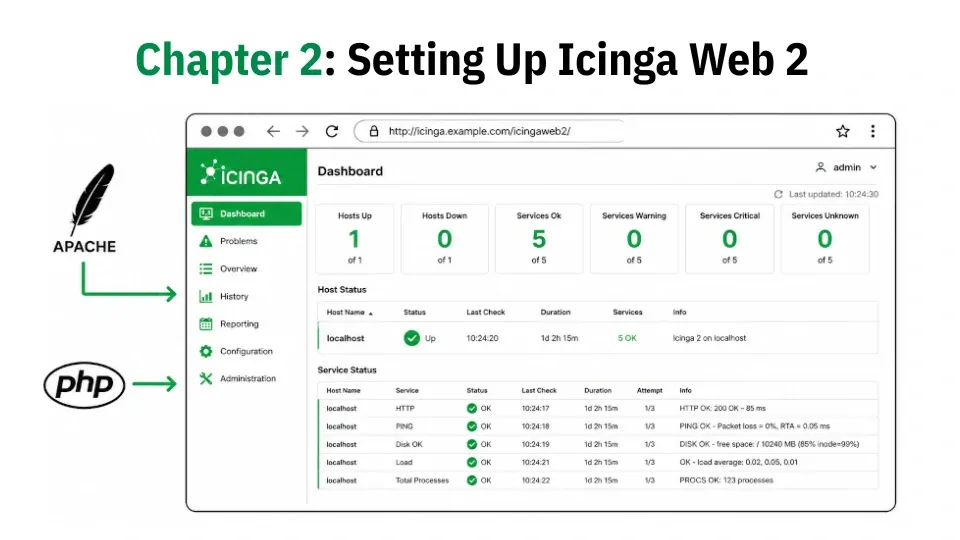
In this chapter, you'll learn how to install Icinga Web 2 with Apache and PHP, run the setup wizard, and connect the dashboard to your IcingaDB backend on RHEL-based Linux.
In Chapter 1, you installed and configured the core components of the monitoring stack, where Icinga 2 is running, IcingaDB is collecting monitoring data, MariaDB is storing it, and the API is enabled and working correctly.
The monitoring backend is now fully operational, but there is still no easy way to view hosts, services, alerts, and status information. That's where Icinga Web 2 comes in.
In this chapter, you'll install Icinga Web 2 along with Apache and PHP, create the required database, and complete the web-based setup wizard.
You'll then connect the web interface to the IcingaDB backend so it can display monitoring data in real time.
By the end of this chapter, you'll have a fully functional web dashboard where you can view host and service status, acknowledge problems, and manage your monitoring environment from a browser.
As you know, we are using Rocky Linux 10 for this series, but the same instructions also work on other RHEL-based distributions, such as RHEL 10 and AlmaLinux 10.