Chapter 3: Add Hosts, Services, and Alerts in Icinga 2
In this chapter, you'll learn how to add hosts, define services, and configure email alert notifications in Icinga 2 using Postfix and external SMTP on RHEL-based Linux.
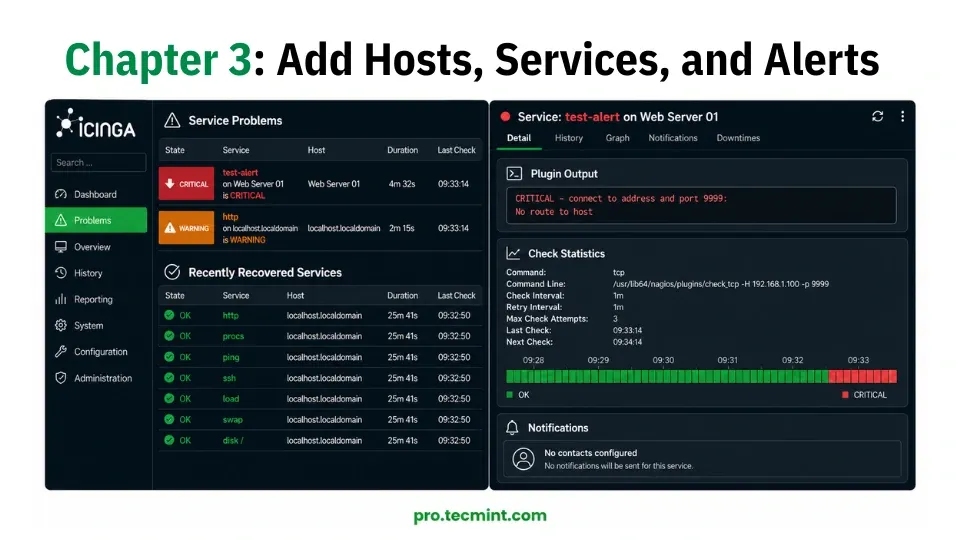
In Chapter 2, you installed Icinga Web 2, completed the setup wizard, and got your monitoring dashboard up and running. At the moment, the dashboard only shows the local server (localhost), which means Icinga 2 is monitoring itself and nothing else.
In this chapter, you'll learn how to add real servers and devices to Icinga 2, configure the services you want to monitor on each host, and set up email notifications so you get alerted whenever something goes wrong.
By the end of this chapter, you'll have a practical monitoring setup that can be used in a real production environment.
All examples in this chapter use Rocky Linux 10, but the same instructions and configuration files also work on RHEL 10 and AlmaLinux 10 without any changes.