Chapter 4: Deploying Icinga 2 Agents on Remote Linux Servers
In this chapter, you'll learn how to install and configure Icinga 2 agents on remote Rocky Linux and Ubuntu servers and connect them to your Icinga 2 master node.
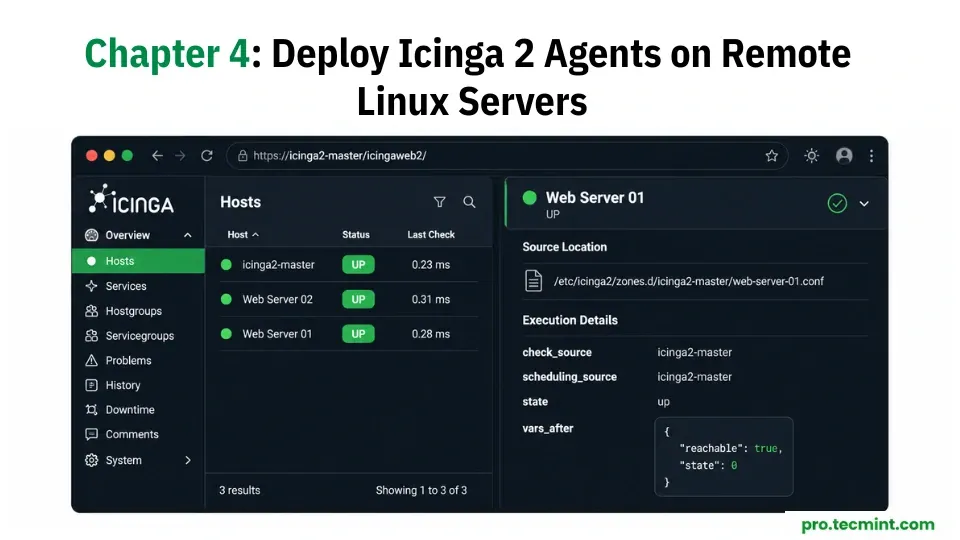
In Chapter 3, you added remote hosts to Icinga 2 and configured checks for services such as disk usage, system load, HTTP, and SSH. These checks were performed remotely by the Icinga 2 master over the network.
While this deployment setup works well for basic connectivity and service availability checks, but it has some limitations.
For example, a remote disk check can tell you that a filesystem is accessible, but it cannot accurately report how much free space is available. Likewise, checking system load remotely is not as reliable as reading the information directly from the server itself.
This is where Icinga 2 agents become useful, as they run on the monitored server and perform checks locally.
The Icinga 2 master schedules the checks, the agent executes them on the server, and the results are sent back to the master through a secure TLS-encrypted connection.
This setup provides more accurate monitoring data and is the standard approach used in production environments.
In this chapter, you'll learn how to install and configure Icinga 2 agents on both RHEL-based servers and Debian-based servers, and then connect them to the Icinga 2 master server you configured in the previous chapters.