Chapter 18: Getting Started with Bash Scripting
In this chapter, you'll learn how to use variables, conditionals, loops, functions, and exit codes in Bash scripts to automate Linux administration tasks.
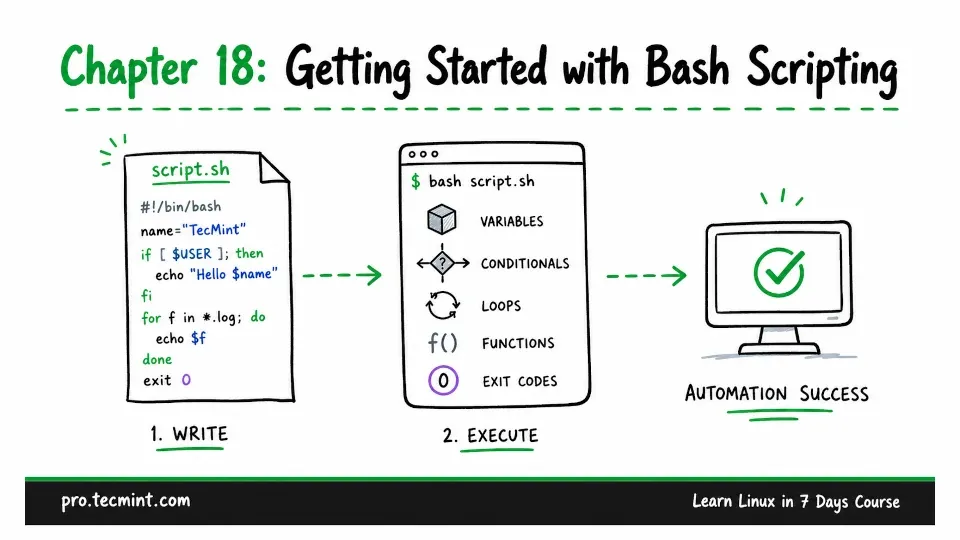
In Chapter 17, you created a compressed backup of /srv/project, checked that the backup was valid, and restored a file from it.
To do that, you ran several commands one by one.
That works well for a one-time task, but if you need to repeat the same task every day, entering each command manually is not practical.
You have to remember every step, type every command correctly, and check that nothing went wrong.
This is where Bash scripts can help.
A Bash script is simply a file containing a set of commands. Instead of entering those commands one at a time, you can run the script and let Bash handle the entire task for you.
This saves time, reduces typing mistakes, and ensures that the same steps are followed every time.
In this chapter, you will learn the Bash basics needed to write your own scripts; later in Chapter 19, you will put these skills into practice by building a health-check script. Then, in Chapter 20, you will schedule it to run automatically.