Chapter 17: Compression, Archives, and Backups
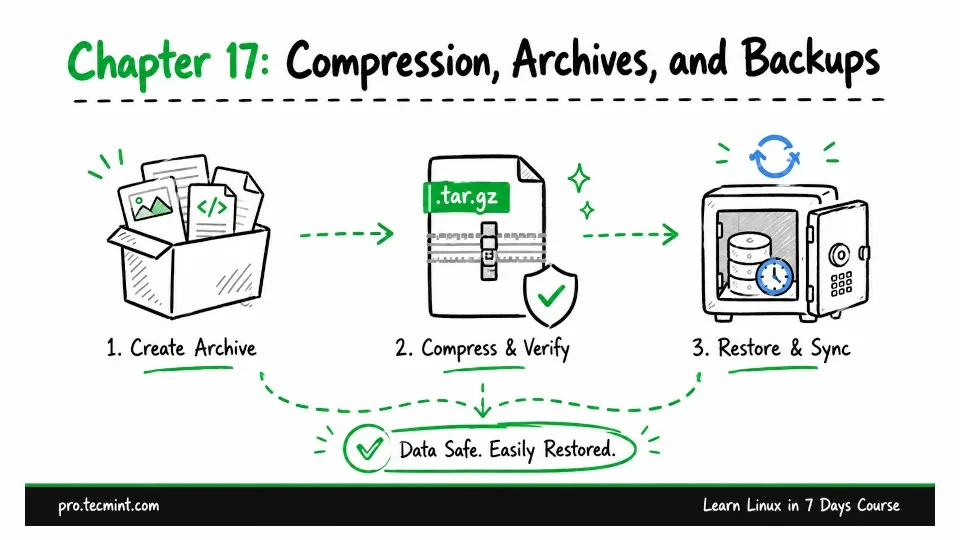
In this chapter, you'll create and verify compressed tar archives, exclude files, restore from backup, and set up incremental backups with rsync.
In Chapter 16, you learned how to check disk and memory usage and identify what is taking up space.
Now you will put that knowledge to practical use by learning how to protect your data.
In this chapter, you will work with three closely related concepts: archiving, compression, and backups.
- Archiving collects multiple files and directories into a single file, making them easier to store, move, or manage.
- Compression makes that archive smaller, so it uses less disk space.
- A backup is a separate, verified copy of your data that you can use if the original is accidentally deleted, damaged, or lost.
These terms are often grouped under the word "backup", but there is an important difference.
For example, a copy stored on the same disk as the original data is not a real backup. If that disk fails, you could lose both the original data and the copy.
What You Will Learn
Updated on Sep 2, 2026