Lesson 17: find Command
In this lesson, you'll learn how to use the find command to search for and locate files and directories in Linux.
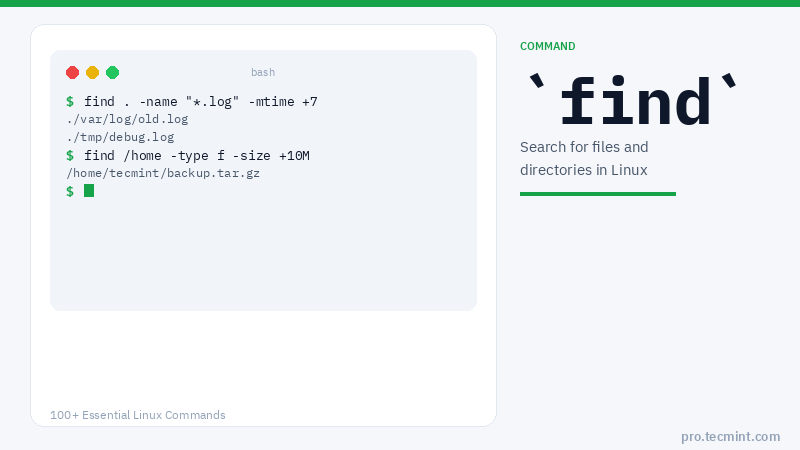
The Linux find command is one of the most important and frequently used command-line utilities in Unix-like operating systems.
It is used to search for and locate a list of files and directories based on the conditions you specify, matching the arguments.
The find command provides a wide array of options, allowing users to leverage it in diverse conditions.
It empowers individuals to search for files based on a multitude of criteria, including permissions, users, groups, file types, dates, sizes, and various other parameters.
Let's discuss 35 of the most commonly used examples of the find command in Linux.
We have divided this section into five parts, covering the usage of the find command from basic to advanced levels.
find Command Syntax
find [PATH] [OPTIONS] [EXPRESSION]
find Command Options
| Option | Description |
|---|---|
-name |
Search for files by name (case-sensitive) |
-iname |
Search for files by name (case-insensitive) |
-type f |
Search for files only |
-type d |
Search for directories only |
-perm |
Search for files by permission |
-user |
Search for files owned by a specific user |
-group |
Search for files belonging to a specific group |
-size |
Search for files by size |
-mtime |
Search for files modified N days ago |
-atime |
Search for files accessed N days ago |
-cmin |
Search for files changed in the last N minutes |
-mmin |
Search for files modified in the last N minutes |
-amin |
Search for files accessed in the last N minutes |
-empty |
Search for empty files or directories |
-exec |
Execute a command on each matched file |
Part I - Find Files by Name
When it comes to finding files with specific names, the find command offers a range of options to streamline the process. Here are some basic find commands for locating files based on their names.
1. Find Files by Name in Current Directory
Find all the files whose name is tecmint.txt in the current working directory.
# find . -name tecmint.txt
./tecmint.txt
2. Find Files Under Home Directory
Find all the files under the /home directory with the name tecmint.txt.
# find /home -name tecmint.txt
/home/tecmint.txt
3. Find Files Using Name and Ignoring Case
Find all the files whose name is tecmint.txt and contains both capital and small letters in the /home directory.
# find /home -iname tecmint.txt
./tecmint.txt
./Tecmint.txt
4. Find Directories by Name
Find all directories whose name is Tecmint in the / directory.
# find / -type d -name Tecmint
/Tecmint