Lesson 44: df Command
In this lesson, you'll learn how to use the df command to check disk space usage of filesystems in Linux.
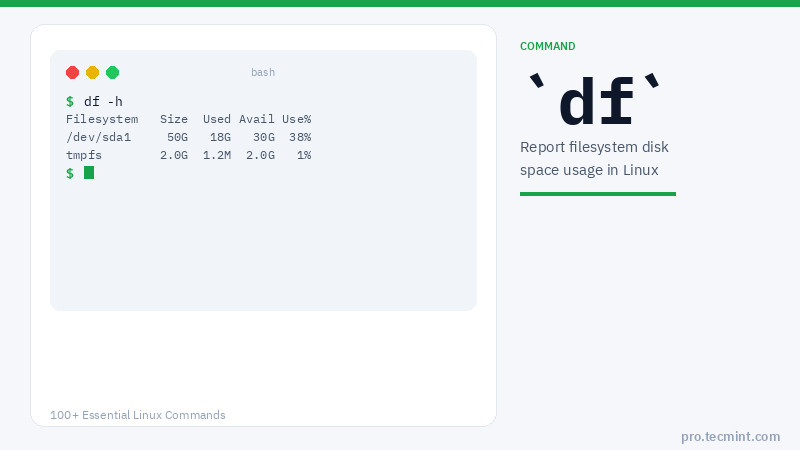
The df (stands for "disk filesystem") command is used to get a full summary of available and used disk space usage of the filesystem on a Linux system.
Using the -h parameter (with df) will show the filesystem disk space statistics in "human-readable" format, which means it gives the details in bytes, megabytes, and gigabytes.
Let's get the full information on Linux disk space usage with the help of the df command, with its practical examples to grasp its functionality.
df Command Syntax
# df [OPTIONS] [FILE]
df Command Options
| Option | Description |
|---|---|
-a |
Display information of all filesystems including dummy file systems |
-h |
Show disk space in human-readable format (e.g. 1K, 2M, 3G) |
-H |
Same as -h but uses powers of 1000 instead of 1024 |
-k |
Display filesystem information in 1024-byte blocks |
-m |
Display filesystem information in megabytes |
-i |
Display inode information instead of block usage |
-T |
Display the filesystem type |
-t TYPE |
Display only filesystems of a specific type |
-x TYPE |
Exclude filesystems of a specific type |
--help |
Display help information and exit |
1. Check Filesystem Disk Space Usage
The df command displays the information of device name, total blocks, total disk space, used disk space, available disk space, and mount points on a filesystem.
[root@tecmint ~]# df
Filesystem           1K-blocks      Used Available Use% Mounted on
/dev/cciss/c0d0p2     78361192  23185840  51130588  32% /
/dev/cciss/c0d0p5     24797380  22273432   1243972  95% /home
/dev/cciss/c0d0p3     29753588  25503792   2713984  91% /data
/dev/cciss/c0d0p1       295561     21531    258770   8% /boot
tmpfs                   257476         0    257476   0% /dev/shm
2. Display All Filesystem Disk Space Usage
The same as above, but it also displays information of dummy file systems along with all the filesystem disk usage and their memory utilization.
[root@tecmint ~]# df -a
Filesystem           1K-blocks      Used Available Use% Mounted on
/dev/cciss/c0d0p2     78361192  23186116  51130312  32% /
proc                         0         0         0   -  /proc
sysfs                        0         0         0   -  /sys
devpts                       0         0         0   -  /dev/pts
/dev/cciss/c0d0p5     24797380  22273432   1243972  95% /home
/dev/cciss/c0d0p3     29753588  25503792   2713984  91% /data
/dev/cciss/c0d0p1       295561     21531    258770   8% /boot
tmpfs                   257476         0    257476   0% /dev/shm
none                         0         0         0   -  /proc/sys/fs/binfmt_misc
sunrpc                       0         0         0   -  /var/lib/nfs/rpc_pipefs