Chapter 11: Troubleshoot Failed systemd Services with systemctl
In this chapter, you'll learn how to troubleshoot failed systemd services using systemctl status and journalctl, understand exit codes, fix restart loops and timeouts, and test your fixes with systemd-run.
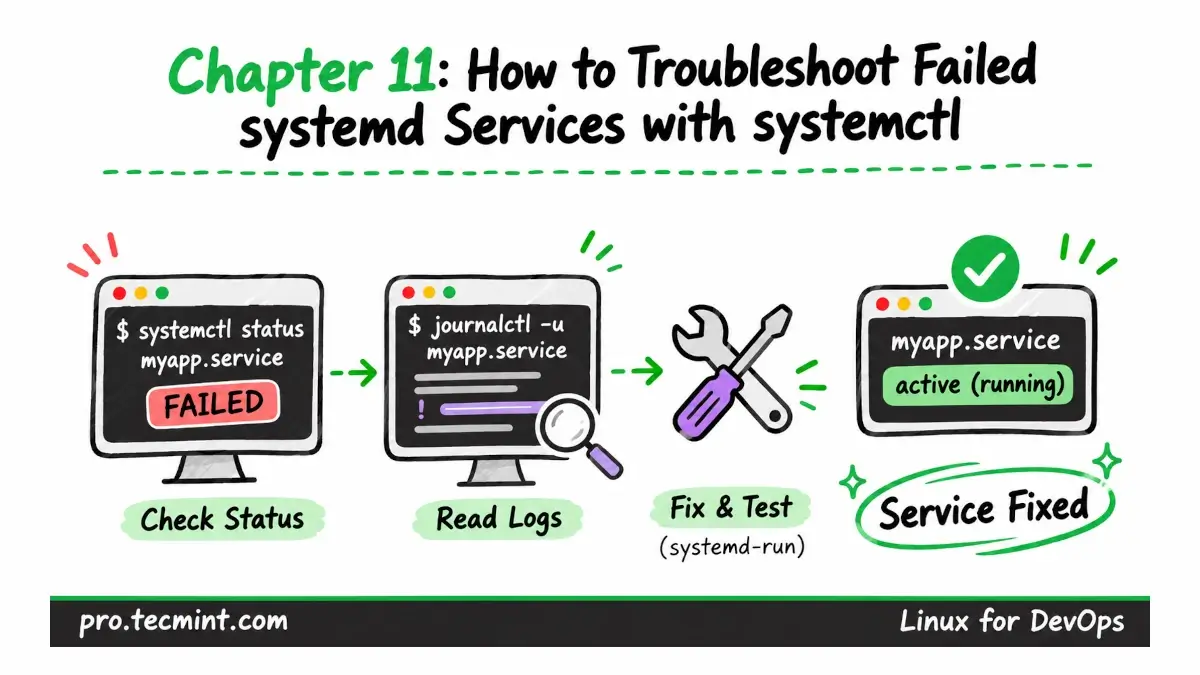
A service caught in a restart loop or a scheduled job that has stopped running may not always make the problem obvious.
In this chapter, we’ll use a simple five-step troubleshooting workflow with systemctl status, journalctl, systemd-analyze verify, and systemd-run, then apply it to three real failures in the lab.
What You'll Learn
- Use a repeatable five-step workflow to find out why a systemd service failed.
- Read the
Active:,Result:, and exit status lines fromsystemctl status, then narrow the journal down to the failed run. - Use the exit code and result to tell the difference between a systemd-side failure, a program error, a timeout, and a process terminated by a signal.
- Fix a service stuck in a restart loop that may never appear as failed, and stop a hung oneshot job by setting
TimeoutStartSec=. - Check unit files with
systemd-analyze verify, and reproduce a failure inside the service environment withsystemd-run.
How to Troubleshoot Failed systemd Services in Five Steps
Updated on Nov 17, 2026