Chapter 8: How systemd Units Work in Linux: Unit Files, Targets, and Overrides
In this chapter, you'll learn how systemd unit files work, where they live, how enable and targets fit together, and how to change a service safely with systemctl edit drop-ins.
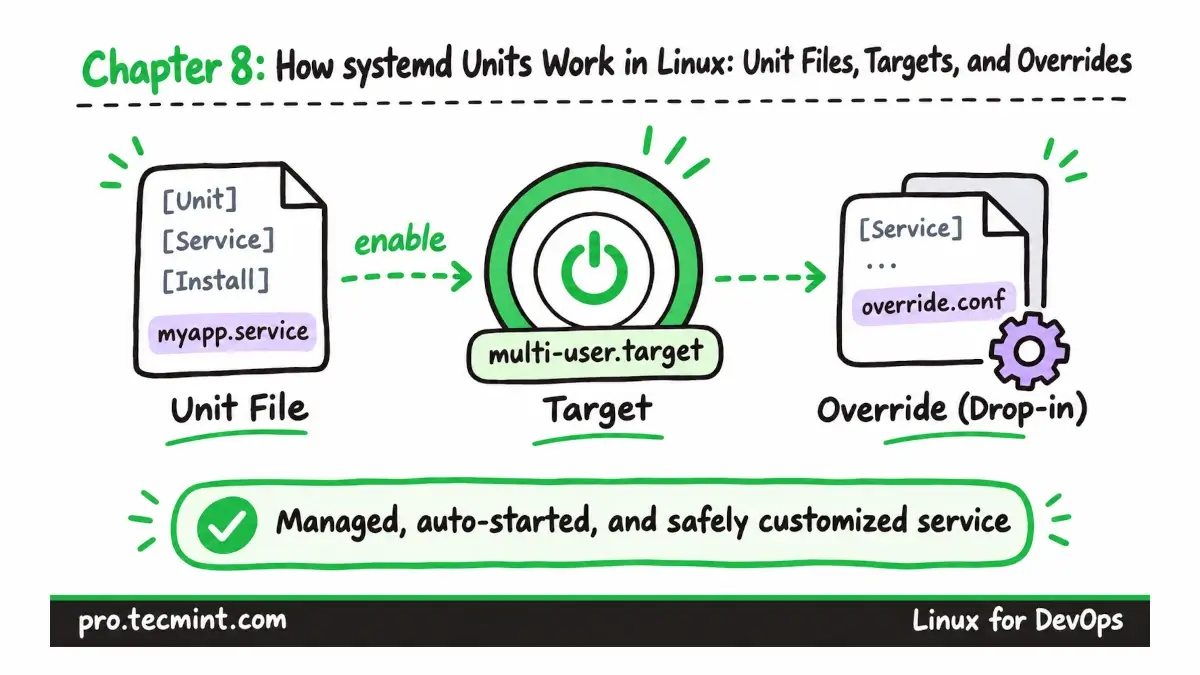
You have already used systemctl status since Chapter 3 to check running services, but we have not yet looked closely at the files that tell systemd how those services should start and behave.
In this chapter, we will read unit files with systemctl cat, understand how targets and service dependencies work, see what happens when you enable a unit, and safely modify a service by creating a drop-in override with systemctl edit.
What You'll Learn
- Identify the common systemd unit types and understand where systemd looks for unit files.
- Read a service unit with
systemctl catand understand the purpose of its[Unit],[Service], and[Install]sections. - Understand the difference between ordering with
After=and dependencies withWants=andRequires=, and inspect dependencies withsystemctl list-dependencies. - Understand what
systemctl enableactually changes, how targets control what starts at boot, and what the differentis-enabledstates mean. - Safely change a packaged service by creating a drop-in with
systemctl edit, and understand what it means when a unit is masked.
What Is a systemd Unit in Linux?
Updated on Nov 3, 2026