Chapter 10: Schedule Jobs with systemd Timers Instead of Cron
In this chapter, you'll learn how to schedule jobs with systemd timers instead of cron, write OnCalendar= schedules, catch missed runs with Persistent=true, and monitor timers with systemctl list-timers.
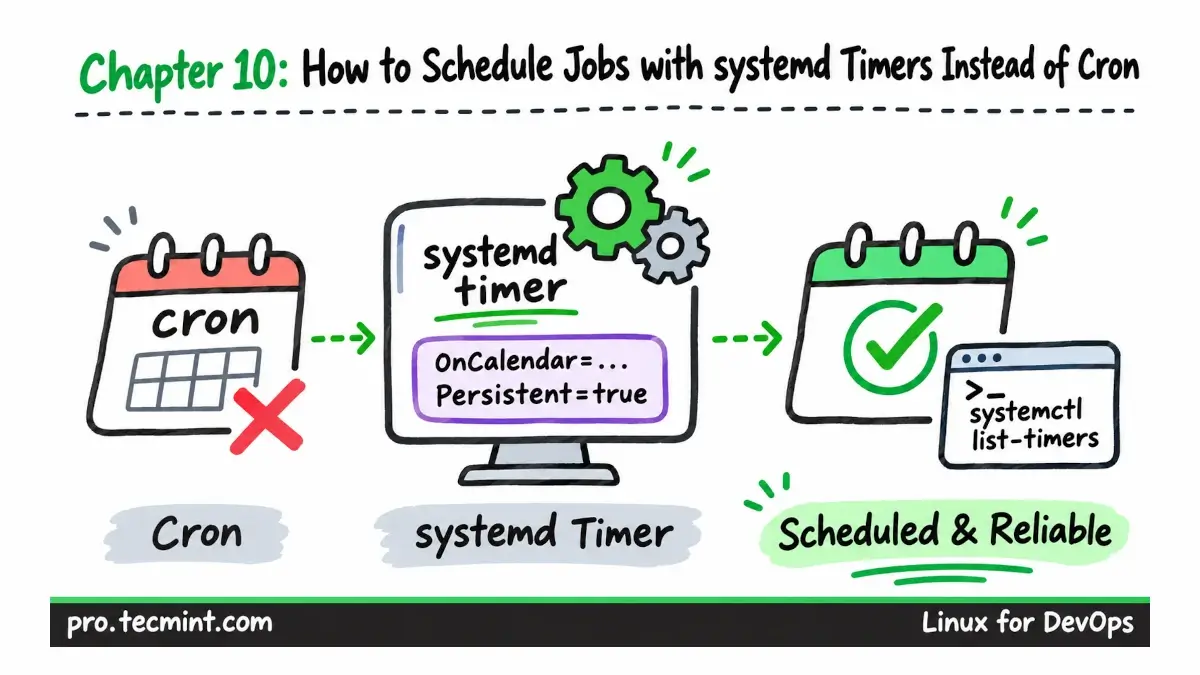
We've all been there: a cron job fails quietly, accidentally runs two copies at the same time, or skips a run because the server was rebooting and nobody notices for weeks.
In this chapter, we are going to set up a real, reliable scheduled job using a systemd timer, where you will learn how to check your schedule with list-timers, read the output in journalctl, and see an honest comparison of when to ditch cron and when to keep it.
What You'll Learn
- Understand how cron and systemd timers start scheduled jobs and where cron can leave some gaps.
- Create a oneshot systemd service using
StateDirectory=and a timer unit usingOnCalendar=andRandomizedDelaySec=. - Test calendar expressions with
systemd-analyze calendarbefore using them in a timer. - Monitor scheduled jobs with
systemctl list-timers, check individual runs in the systemd journal, and identify failed executions. - Use
Persistent=trueto run jobs that were missed while the server was offline, and understand when cron is still the simpler choice.
How Cron and systemd Timers Run Scheduled Jobs
Updated on Nov 12, 2026