Chapter 16: Create a Telegram Bot Workflow in n8n
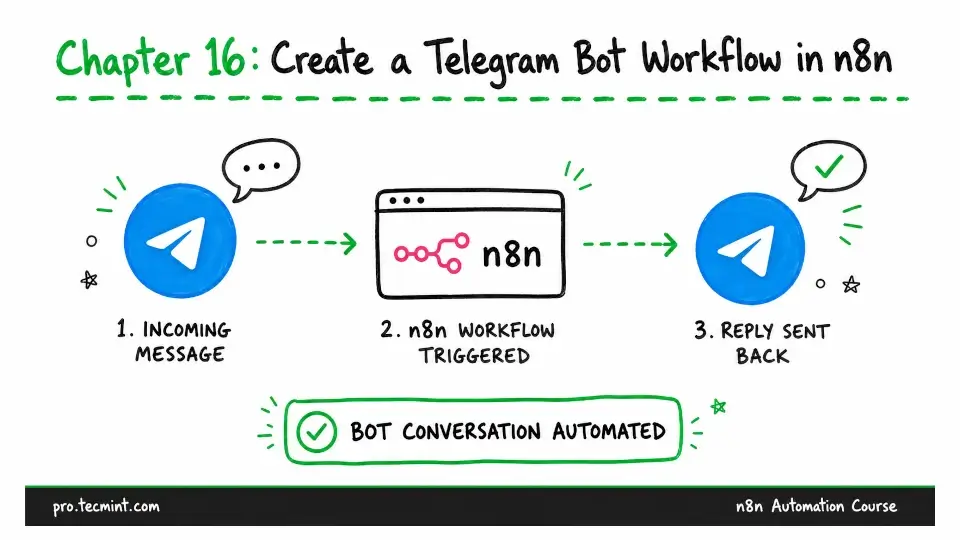
In this chapter, you'll create a Telegram bot, connect it to n8n, trigger workflows from incoming messages, find your chat ID, and reply from the workflow.
In the previous chapter, you learned how to use the Set node to reshape data so the next node receives it in the right format.
Now we'll finish Module 3 by looking at one more way to start a workflow. In Chapter 12, you used a schedule. In Chapter 13, you used a form.
This time, the workflow will start when something happens in another service, which is the kind of trigger you'll use in many real-world automations.
For this example, we’ll use Telegram, which is a practical choice because you can create a bot in just a few minutes, without providing any billing details.
Telegram also has a reliable API and uses the push-trigger approach you learned about in Chapter 8. When someone sends a message to your bot, Telegram passes the event to your workflow almost immediately.
More importantly, the pattern you’ll learn in this chapter works with almost any app trigger. You connect n8n to a service, add the required credentials, listen for events, and then decide what the workflow should do with the incoming data.
Apps such as Gmail, Airtable, and Slack follow the same basic pattern. The exact setup varies from one service to another, but the overall process remains the same.