Chapter 12: Automate n8n Workflows with the Schedule Trigger and Cron
In this chapter, you'll set workflows to run on intervals or cron expressions, read cron syntax field by field, handle timezones, and avoid overlapping runs.
In the previous chapter, you used the Code node to run JavaScript on your data, either once for each item or once across all items.
So far, every workflow you’ve built has started when you clicked Execute. That’s exactly what you want while building and testing a workflow, but for a real automation, you don’t want to be there every time it needs to run.
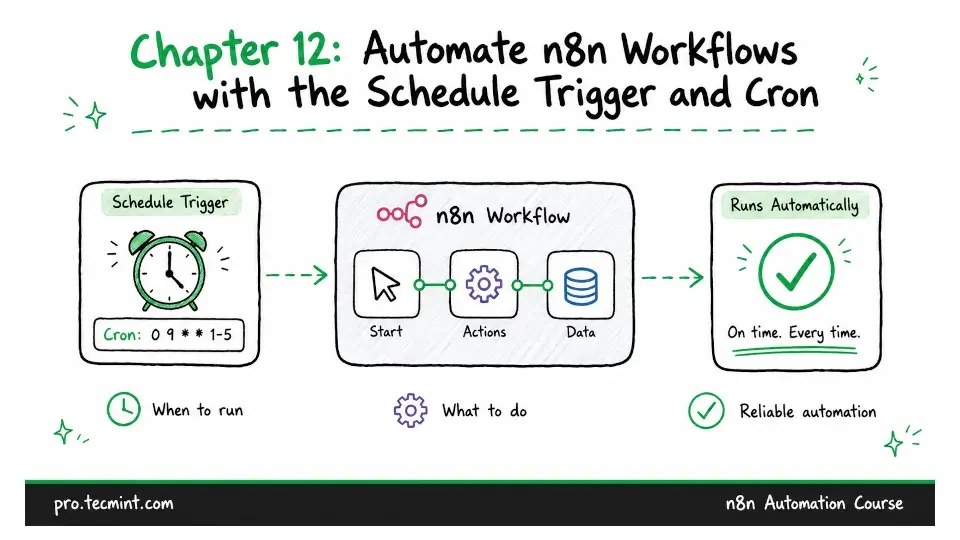
The Schedule Trigger lets you run a workflow automatically at times you define. It’s what you use for daily reports, hourly syncs, weekly cleanups, and automations that need to check a service that doesn’t provide a way to notify you.
Two settings determine whether a scheduled workflow runs when you expect. One is the schedule itself, and the other is whether the workflow is active.