Chapter 8: n8n Triggers vs Actions: Core Building Blocks
In this chapter, you'll learn every n8n trigger type, the difference between polling and push triggers, test and production webhook URLs, and how actions run.
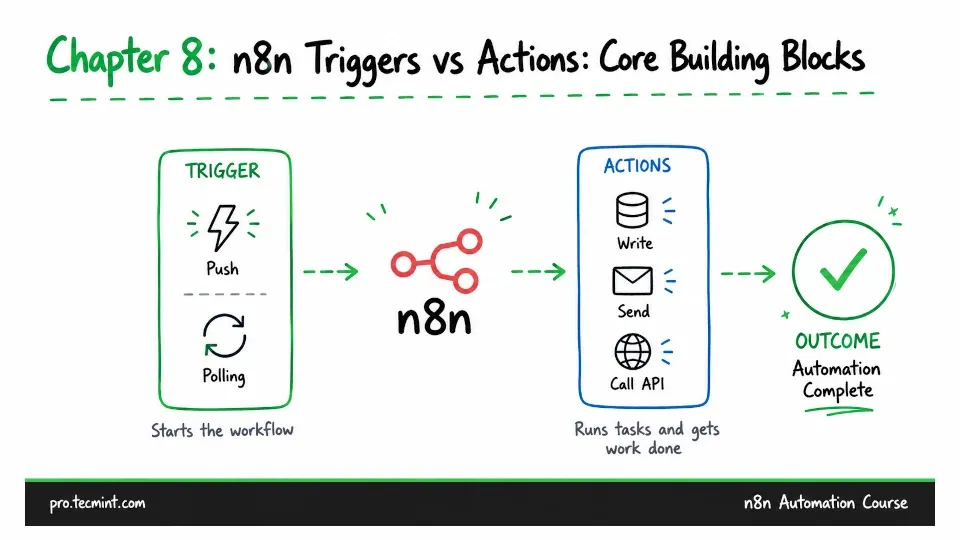
In the previous chapter, you took a tour of the n8n editor, built a two-node workflow, and saw how the input, parameters, and output panels describe what every node does.
Both nodes in that workflow were doing different jobs.
- The manual trigger decided when the workflow ran.
- The Customer Datastore node did the actual work after it started.
This same split appears in almost every n8n workflow you build.
Triggers decide when a workflow runs. Actions decide what it does.
Choosing the wrong trigger can cause a workflow to run a minute late, run twice for the same event, or not run at all. You might then spend time checking the rest of the workflow, even though the problem is actually with the trigger.
This chapter takes a closer look at how triggers and actions work and how they fit together.
Understanding n8n Trigger Types
Open a new workflow and click Add first step.