Chapter 5: Role-Based Sudo Access with sudoers.d, Groups, and Command Aliases
In this chapter, you'll learn how to create sudo policies for a team using /etc/sudoers.d, Linux groups, and Cmnd_Alias, validate them with visudo, and audit sudo activity on Ubuntu and Rocky Linux.
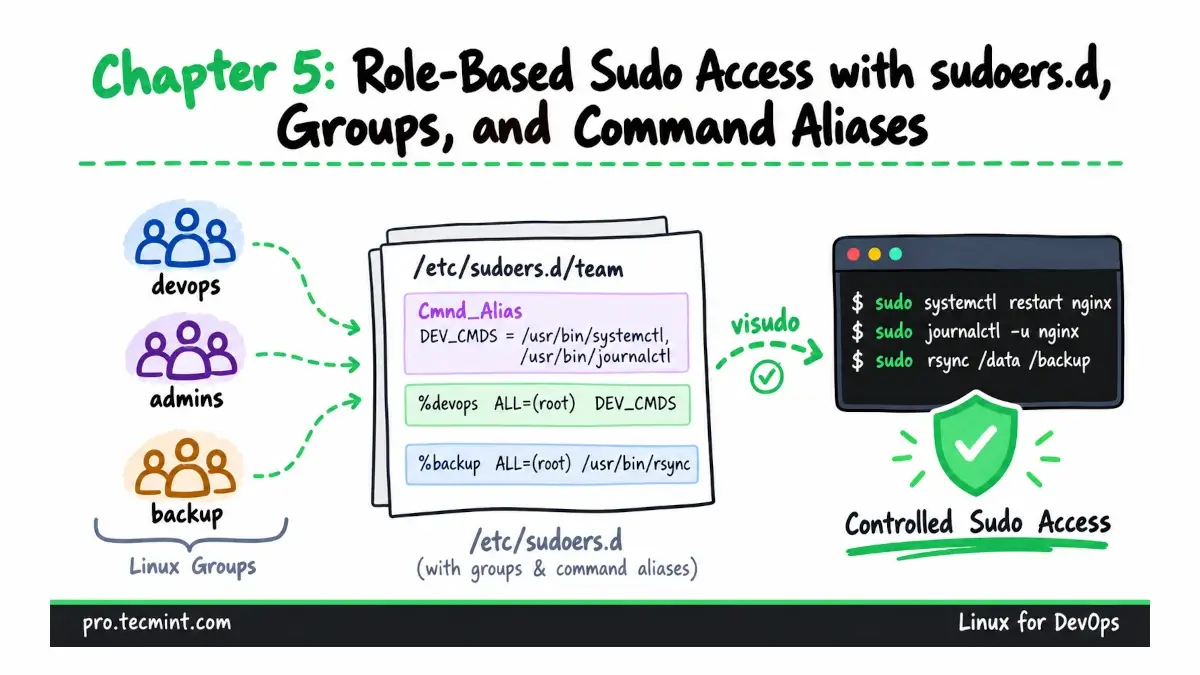
Giving every engineer full sudo access is easy, but it also means every privileged account can do almost anything on the server. So, a better approach is to give each person or service only the access required for their role.
In this chapter, we will build role-based sudo policies using Linux groups, Cmnd_Alias, and separate files under /etc/sudoers.d/.
We will also validate each rule with visudo and use the system journal to review sudo activity.
What You'll Learn
- Read a sudo rule and understand what each of its four main parts controls.
- Grant sudo access through groups, so adding someone to a role does not require editing sudoers.
- Store sudo policies in separate files under
/etc/sudoers.d/and validate them withvisudobefore using them. - Give an automation account a limited set of commands it can run without entering a password, while avoiding rules that could accidentally provide a root shell.
- Check a user's sudo permissions with
sudo -land review sudo activity in the system journal.
Where We Left Off
Updated on Oct 16, 2026