Chapter 6: How to Use Pipes and Redirection in Linux
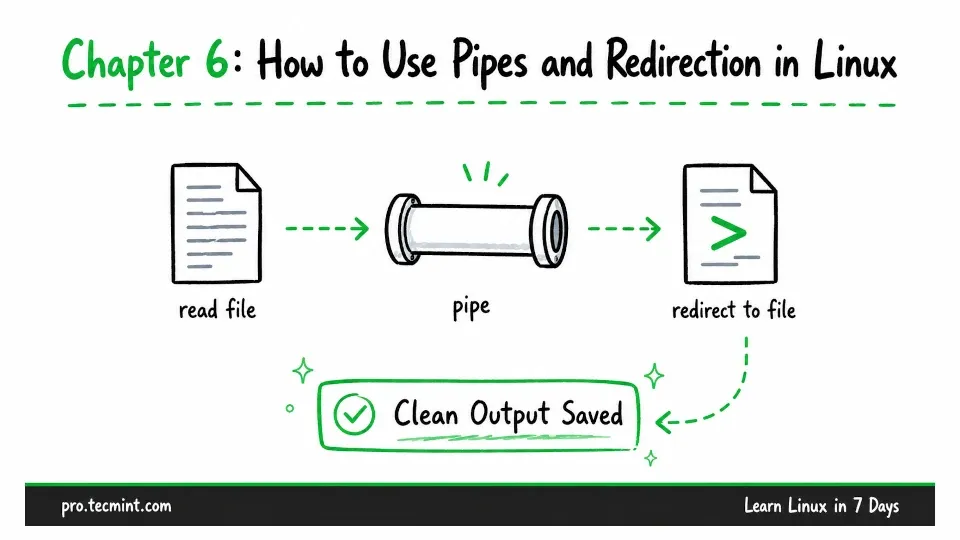
In this chapter, you'll learn how to read and search files, filter the output you need, connect commands with pipes, and redirect output and errors to files.
In the previous chapter, you created a project structure and learned how to copy, move, and safely delete files and directories.
The files you created are still empty. In this chapter, you will add content to them and learn how to view and work with that content.
You will also learn one of the most useful features of the Linux command line: combining simple commands to handle more complex tasks.
Commands such as sort, grep, and wc each perform one specific job, but when you connect them, they can work together to search, organize, and process information.
This is one of the main reasons the Linux command line is so powerful, flexible, and often faster than using a graphical interface.