Linux for DevOps Engineers: From Sysadmin to DevOps
A 54-chapter Linux for DevOps course covering systemd, logging, networking, TLS, cloud-init, containers, and incident response on Ubuntu and RHEL.
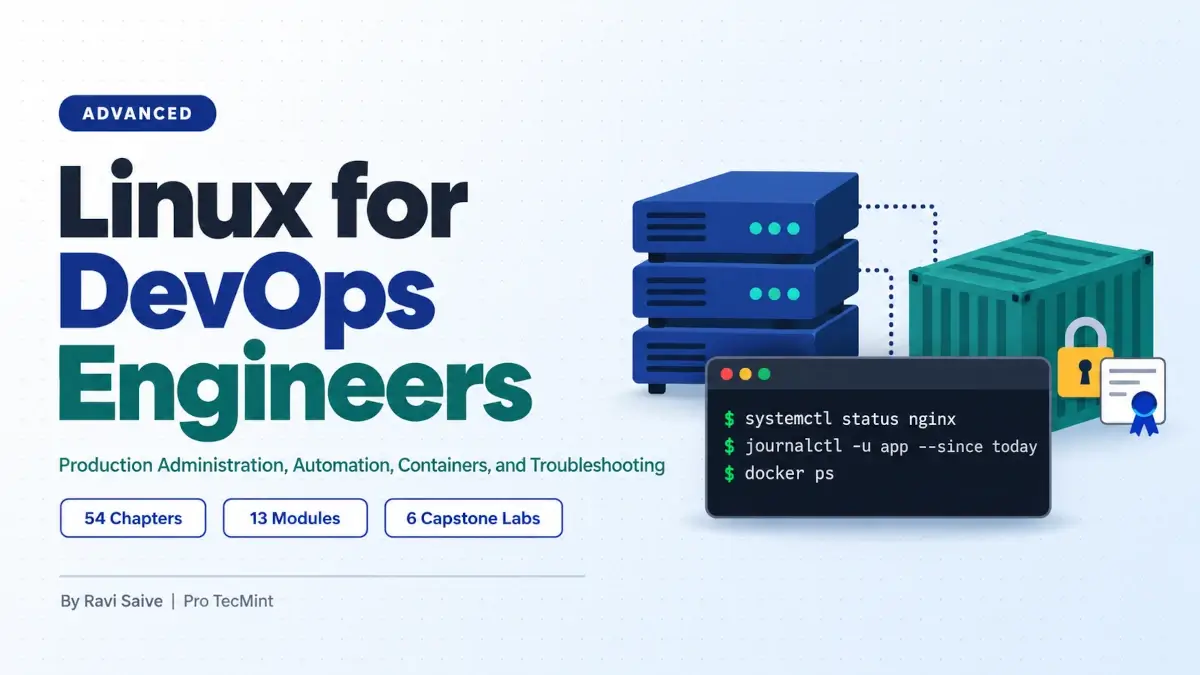
This course is designed for Linux administrators who are moving into DevOps and want to build the practical skills needed to manage Linux systems in a DevOps environment.
It assumes you are already comfortable using a terminal, editing files, installing packages, and reading a man page.
If you are not there yet, start with Learn Linux in 7 Days and come back to this course afterwards, because the chapters build on those basics from the very first module.
How the Course Is Organized
The course is divided into 13 modules, with each module focusing on an area of Linux administration that commonly falls under production responsibility.
The modules build on each other, so you can start with the basics and gradually move into troubleshooting, automation, security, containers, and incident response.
- Module 1: The DevOps Linux Mindset [1-3]
- Module 2: User, Permission, and Access Management at Scale [4-7]
- Module 3: systemd in Production [8-11]
- Module 4: Logging and Log Management [12-15]
- Module 5: Processes, Performance, and Resource Management [16-19]
- Module 6: Networking for DevOps [20-25]
- Module 7: Storage and Filesystems in Production [26-29]
- Module 8: Automation with Shell and Cron [30-33]
- Module 9: Cloud-Init and First-Boot Automation [34-36]
- Module 10: Package and Configuration Management [37-40]
- Module 11: Security and Certificates for DevOps [41-46]
- Module 12: Containers on Linux [47-50]
- Module 13: The Production Incident Playbook [51-54]
Course Length and Study Pace
With 54 chapters to work through, it helps to plan your time before you start, because most chapters take about one to two hours to complete, including running the commands and working through the exercises.
If you are studying alongside a full-time job, one module per week is a comfortable pace, which puts the complete course at around three to four months.
Which Linux Distributions Will We Use?
Every chapter is written for two Linux distributions, Ubuntu 26.04 LTS and RHEL 10.2, with Rocky Linux 10 or AlmaLinux 10 available as free alternatives to RHEL.
Ubuntu represents the Debian family and uses apt for package management, while RHEL represents the Red Hat family and uses dnf.
Whenever a command differs between the two families, the chapter shows it for both, so you can follow along on either one and learn how the other works at the same time.
What You'll Need
You'll build the lab in Chapter 2 and use the same environment throughout the course. The lab eventually grows to five servers, although most chapters only require two or three of them to be running at the same time.
Around 16 GB of RAM gives you enough room to run the complete lab comfortably. If your system has 8 GB, you can still follow along by running two virtual machines at a time and shutting down the machines that a particular chapter does not need.
If you prefer to run the lab in the cloud, DigitalOcean Droplets are a straightforward option. A Droplet is a Linux-based virtual machine, and DigitalOcean provides Ubuntu, Rocky Linux, and AlmaLinux images, so you can build the same type of multi-server lab without running several virtual machines on your own computer.
If you use cloud servers, keep in mind that you will be charged according to the provider's current pricing, and Chapter 2 covers the cloud-based lab setup so you can build the environment before starting the rest of the course.
Capstone Labs and Course Files
Once the lab is running, you will use it for more than the exercises in each chapter.
Six longer capstone labs are spread through the course, each placed right after the module that gives you enough knowledge to complete it.
Alongside the chapters, you get the lab build files, every script written during the course, working systemd unit files, logrotate configs, and cloud-init templates, an incident response checklist based on Module 13, and a certificate of completion when you finish.
What This Course Doesn't Cover
The course stays focused on the Linux server layer, so it does not teach Kubernetes, Ansible, Terraform, or CI/CD pipeline development.
These technologies are mentioned in the chapters where they naturally fit, so you can see where the Linux layer ends and what you may want to learn next.
Ready to Start?
This course is not designed to make you an expert in every tool used in a DevOps environment. It focuses on something more fundamental: learning how production Linux systems behave and becoming comfortable troubleshooting them when things go wrong.
Production judgment comes from working with systems, breaking things, investigating the failure, and repairing them. That takes practice, and no course can completely replace it.
What this course gives you is a working lab where you can do that practice safely, along with the reasoning and Linux skills you need to understand what went wrong.
By the end, when a server misbehaves, you'll have a systematic way to investigate it and know where to start.