Chapter 5: How to Manage Files and Directories in Linux
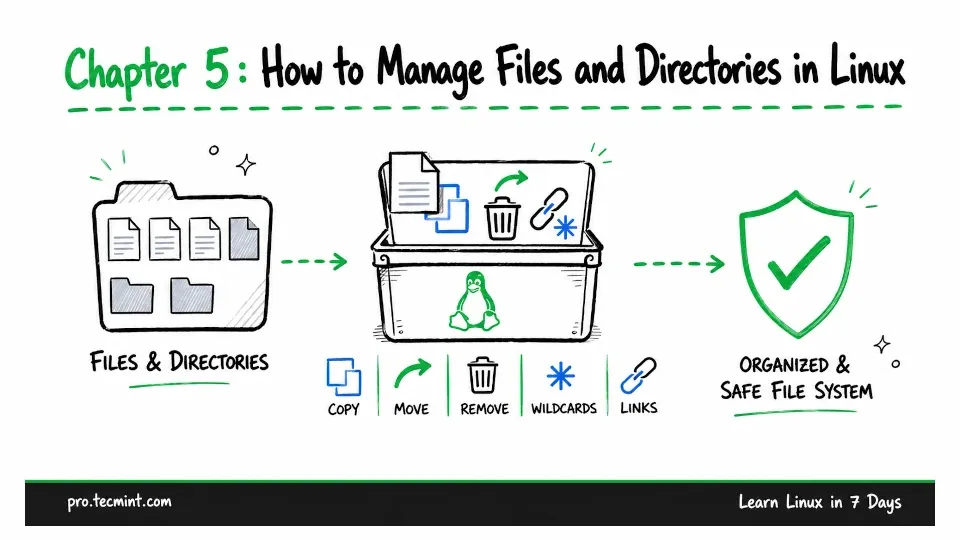
In this chapter, you will learn how to create, copy, move, and remove files and directories safely, use wildcards to work with multiple files at once, and create links with ln.
In the previous chapter, you learned how the Linux filesystem is organized, how to move around it, and how to identify different types of files.
Now it is time to start working with those files and directories.
Before you begin, there is one important thing to remember. At the command line, Linux does not have a recycle bin.
When you delete a file with rm, it is removed immediately without any confirmation by default, and there is no recycle bin where you can recover it later.
That may sound a little worrying at first, but avoiding mistakes is mostly about building a few good habits.
You will learn those habits throughout this chapter, and because you created a snapshot in Chapter 2, if something goes wrong while practicing, you can restore your lab in about thirty seconds.