9. openSUSE Leap 16
In this chapter, you'll learn what makes openSUSE stand apart from everything else in this course, how to install it using the brand-new Agama installer, and how to use Zypper and Snapper.
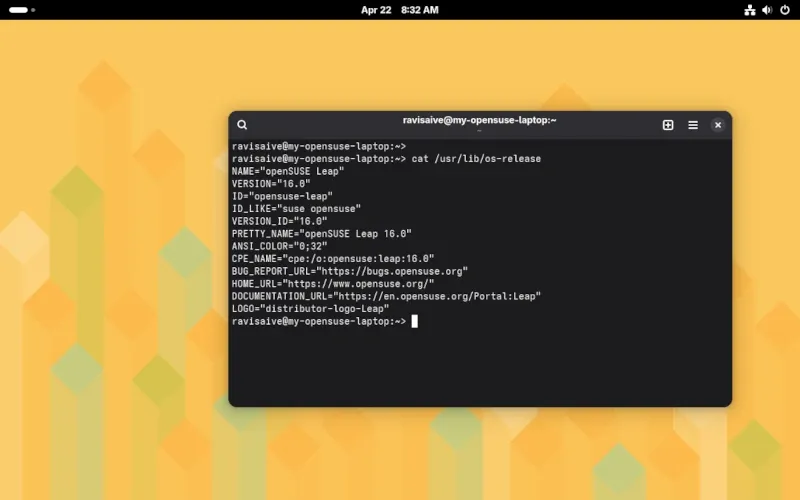
In the last chapter, we explored MX Linux, which is a stable, lightweight system built on Debian that runs well on any hardware and comes with useful tools that make everyday Linux tasks easy to handle.
Now we’re going to look at a distro from a completely different corner of the Linux world called openSUSE, which is a distribution that isn’t based on Ubuntu or Debian, but instead has its own independent roots, tools, and a reputation that stretches back decades, particularly in enterprise and professional environments.
If you’ve ever heard someone mention SUSE Linux in a work context, openSUSE is its community-driven counterpart that brings many of the same enterprise-grade technologies and professional tools to a free, open-source desktop that anyone can use.
It offers a genuinely different experience from everything else in this course and is well worth exploring.
 Mead Naji