6. Fedora Workstation 44
In this chapter, you'll learn how to install Fedora Workstation 44, complete the first-boot setup wizard, explore the GNOME 50 desktop, enable third-party repositories, and manage software with DNF5 and GNOME Software.
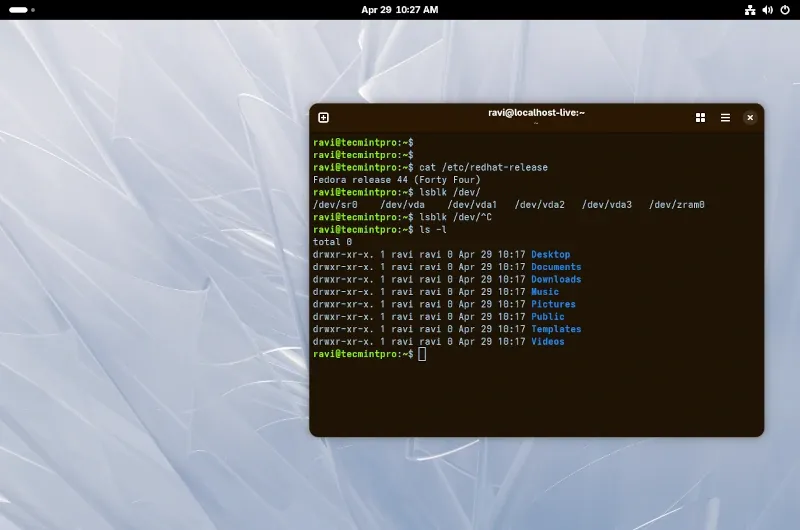
Every distro in this series so far has been built around comfort and familiarity - making Linux as approachable as possible for newcomers.
Ubuntu holds your hand with its massive community. Linux Mint looks like Windows. Zorin OS lets you switch layouts. Pop!_OS gives you a powerful developer machine out of the box.
Fedora Workstation takes a different approach: instead of chasing familiarity, it focuses on the cutting edge.
If Ubuntu is the reliable family car, Fedora is the car that gets the new engine six months before anyone else.
It's the distro where tomorrow's Linux technologies show up today and where developers, engineers, and Linux enthusiasts who want the latest and greatest feel right at home.
 Mead Naji