4. elementary OS 8
In this chapter, you'll learn how to install elementary OS, explore its beautiful macOS-inspired interface, customize your desktop with AppCenter, and discover why it's considered one of the most elegant Linux distributions available.
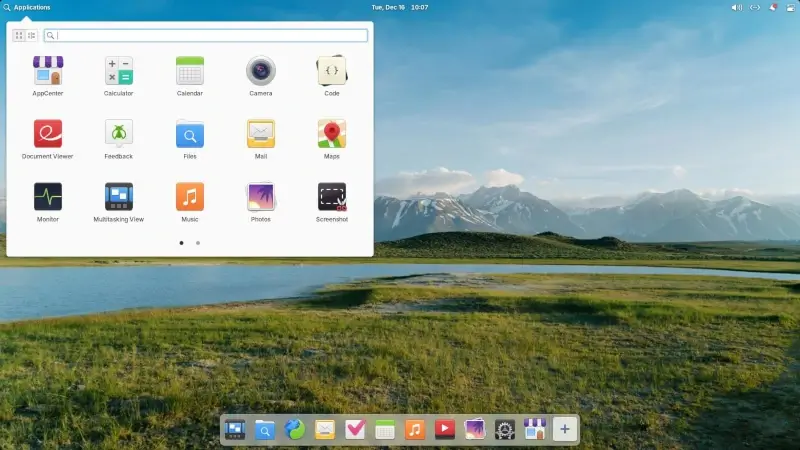
If you've been following this series, you've already explored Ubuntu, Linux Mint, and Zorin OS, three excellent Linux distributions that cater to beginners in different ways.
Ubuntu gives you a solid, well-supported foundation. Linux Mint offers a familiar Windows-like experience. Zorin OS polishes that experience even further. But what if you're coming from macOS, or simply want a Linux system that looks absolutely gorgeous right out of the box?
That's where elementary OS comes in.
What is Elementary OS?
elementary OS is often described as the most beautiful Linux distribution, and for good reason. Its design is heavily inspired by macOS, with a sleek dock, minimalist top panel, and polished app icons that make the whole system feel cohesive and modern.
It’s built on Ubuntu LTS, which means you still get the rock-solid stability and security that Ubuntu is known for, but wrapped in a more elegant, distraction-free interface.
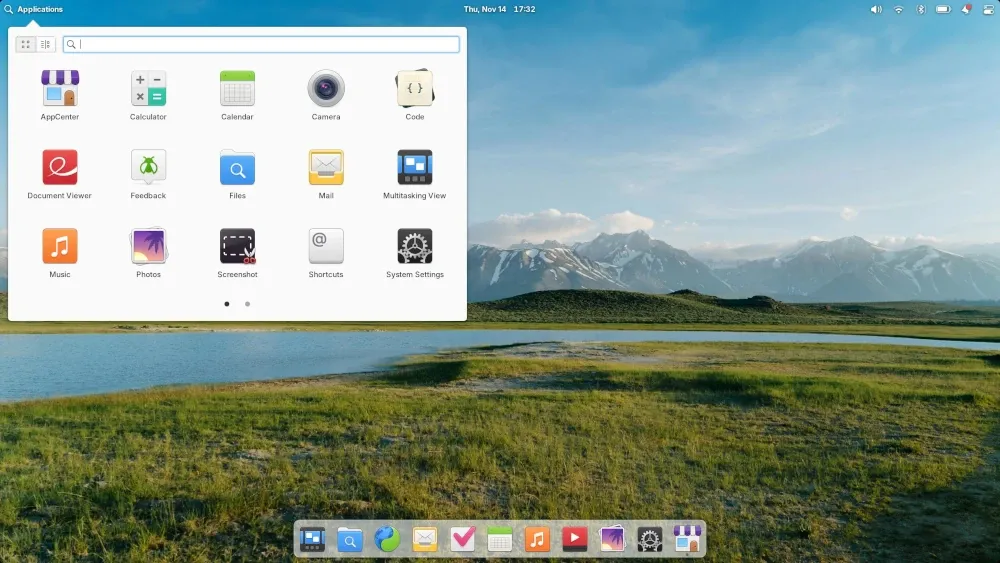
In this chapter, we'll explore what makes elementary OS special, how it compares to the distributions we've covered so far, and why it's considered one of the most visually appealing and user-friendly Linux systems available.
 Mead Naji