Chapter 9: How to Create a systemd Service with a Dedicated User and Sandboxing
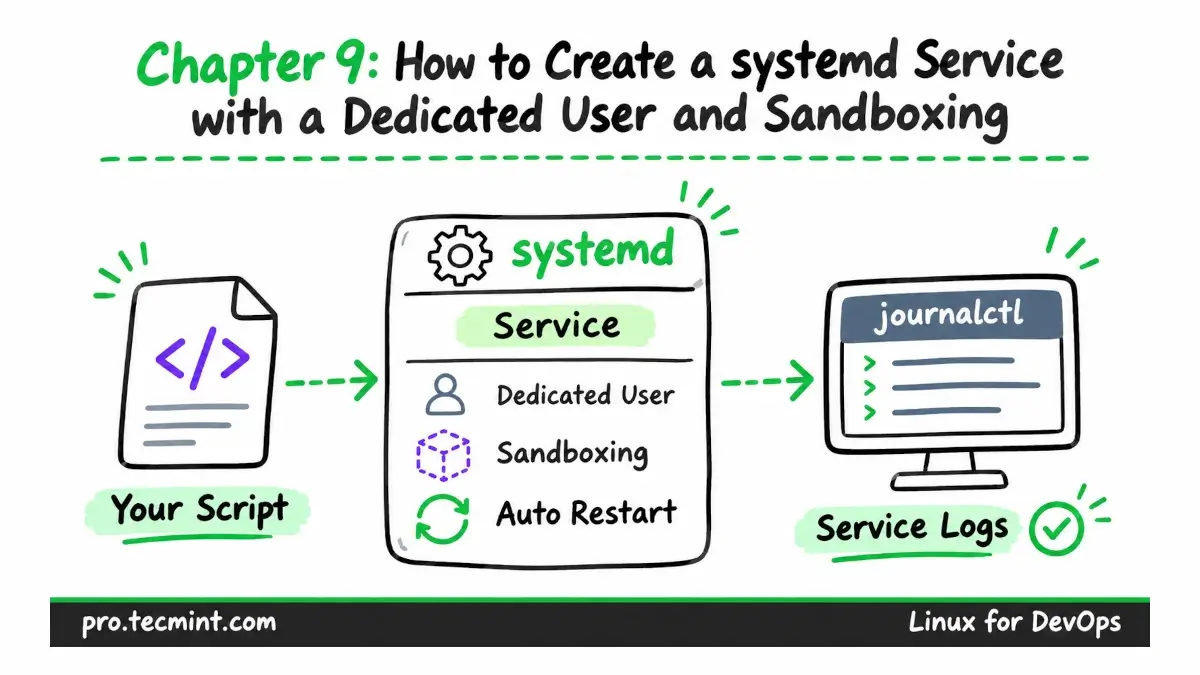
In this chapter, you'll learn how to create a systemd service unit for your own script, run it as a dedicated user with automatic restarts and sandboxing, and view its logs in the journal.
Scripts started with nohup or inside a terminal multiplexer can be useful for quick tests, but they are not a good way to run a service permanently.
After a server reboot, the process is gone, and finding useful logs can also become difficult.
In this chapter, we will create a small Python status page and run it as a proper systemd service with its own user, automatic restarts, sandboxing, and logs stored in the system journal.
What You'll Learn
- Understand what
systemdprovides thatnohup,screen, or a cron@rebootentry does not. - Create a dedicated system account for the service and understand why it does not need a fixed UID.
- Write and install a service unit using
User=,Type=exec,Environment=, a restart policy, and sandboxing options on both servers. - Check the running service with
systemctl status,ss,curl,journalctl, andsystemd-analyze security. - Identify common
217/USERand203/EXECfailures, then make the service configurable with an environment file and asystemddrop-in.
Why Run Your Own Code as a systemd Service
Updated on Nov 5, 2026