Chapter 29:Understanding SSH Tunneling and Secure Port Forwarding
In this chapter, you'll learn what SSH tunneling is, how local, remote, and dynamic port forwarding work, and when to use each type.
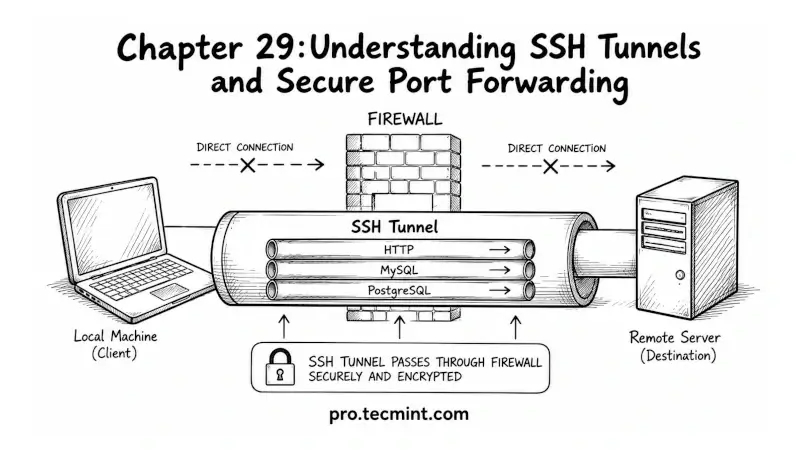
In the previous chapter, you learned how to manage multiple Git accounts using SSH host aliases, separate Git identities, and automatic configuration switching with includeIf.
Now you are entering one of the most powerful features of SSH, which is called SSH tunneling.
So far, you have used SSH mainly for remote logins and file transfers, but SSH tunneling takes things much further by allowing you to send other network traffic securely over an encrypted SSH connection.
With SSH tunneling, you can:
- Access services that are not publicly available on the internet.
- Connect to private databases securely.
- Bypass network restrictions and firewalls.
- Securely browse the web through a remote server.
- Access internal company or home network services from anywhere.
The best part is that SSH tunneling works using the SSH tools you already have installed, so no extra software is required.
In this module, you will finally understand how it works and how to use it in real-world situations.