Chapter 45: Securing SSH with Google Authenticator (TOTP MFA)
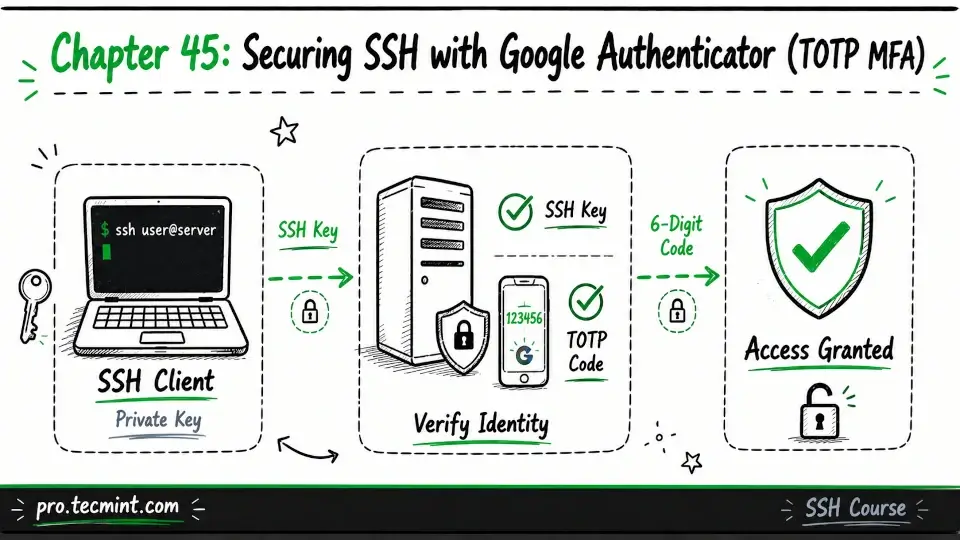
In this chapter, you'll learn how to set up TOTP-based multi-factor authentication for SSH using Google Authenticator and configure PAM for an extra layer of security.
In the previous chapter, you learned how SSH works in different environments, including cloud platforms and IoT devices.
Along the way, you learned about AWS EC2 key management, accessing DigitalOcean droplets, using Hetzner rescue mode, setting up a headless Raspberry Pi, and troubleshooting common SSH challenges on IoT devices. With that, you completed Module 12.
Now it's time to move on to Module 13, where you'll make your SSH access even more secure by adding a second layer of authentication.
SSH key-based authentication is already very secure, but it's not foolproof. If someone manages to steal your private key, copy it from a compromised computer, or recover it from an unencrypted backup, they can log in to any server that trusts that key.
This is where multi-factor authentication (MFA) becomes valuable. Instead of relying on just your SSH key, the server also asks for a one-time code generated on your phone or another trusted device.
Even if an attacker has your private key, they still can't log in without that second factor.
In this chapter, you'll learn how to protect SSH with Time-Based One-Time Passwords (TOTP) using Google Authenticator and PAM (Pluggable Authentication Modules).