Chapter 46: Secure SSH with Hardware Security Keys (YubiKey, FIDO2 & ed25519-sk)
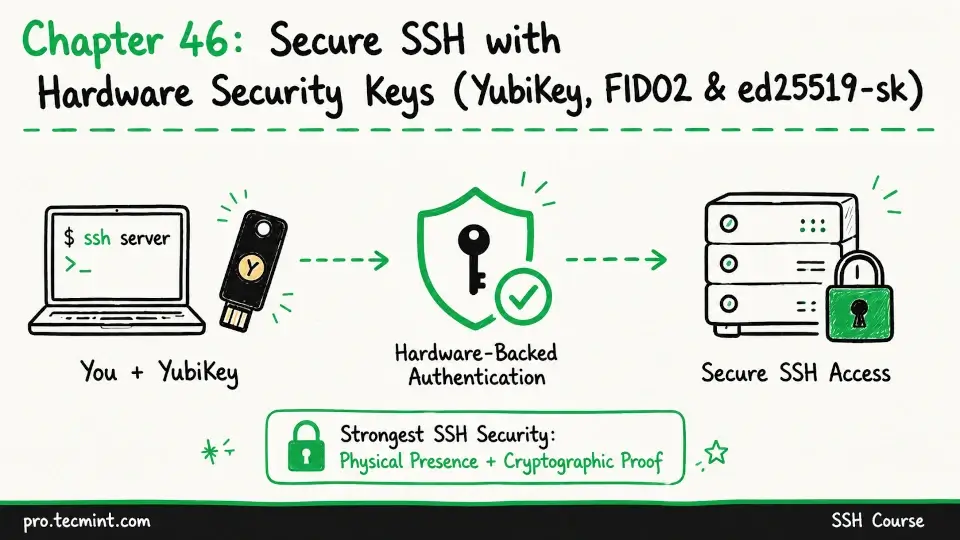
In this chapter, you'll learn how to use YubiKey and FIDO2 hardware security keys with SSH, generate ed25519-sk keys, and set up hardware-backed authentication that requires physical presence.
In the previous chapter, you added TOTP-based multi-factor authentication (MFA) to SSH using Google Authenticator and PAM.
Your SSH logins now require both your private key and a 6-digit code from your phone, which means that a stolen private key file alone is no longer enough for someone to log in.
In this chapter, you'll take security one step further by using hardware security keys, which remove the risk of software-based key theft because your private key is stored inside a physical hardware token and never leaves it.
Since the key never exists as a file or in system memory, there is nothing for malware or attackers to copy or steal.
To authenticate, you need the physical security key in your possession and, in most cases, you must also touch it to confirm the login.