Chapter 13: Understanding ~/.ssh/config File
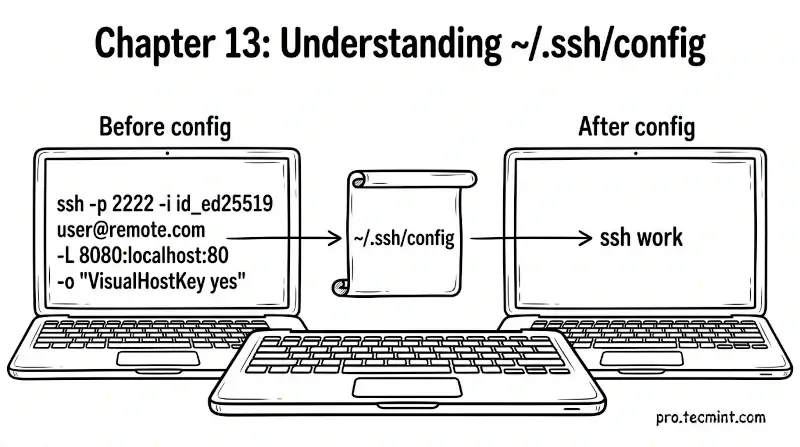
In Chapter 13, you will learn how the SSH config file works, how to create Host blocks, how configuration precedence works, and how to turn long complex SSH commands into simple one-word shortcuts.
In the previous chapter, you installed your public key on a remote server and tested key-based login successfully.
But if you are managing more than one server, you have probably already noticed that typing the full SSH command every time gets tedious quickly.
Imagine connecting to a server like this every single time:
ssh -p 2222 -i ~/.ssh/id_ed25519_work [email protected]
That is a lot to type. Now imagine doing that for ten different servers throughout your day. The ~/.ssh/config file solves this problem entirely.
Learn Linux Fast: 7-Day Crash Course for Beginners
A complete 7-day crash course to help beginners master Linux, the command line, software management, and more. No experience needed!
 Mead Naji
What Is the SSH Config File
Updated on Apr 11, 2026