Chapter 20: Use SSH Agent to Add Keys, Protect Passphrases, and Persist Sessions
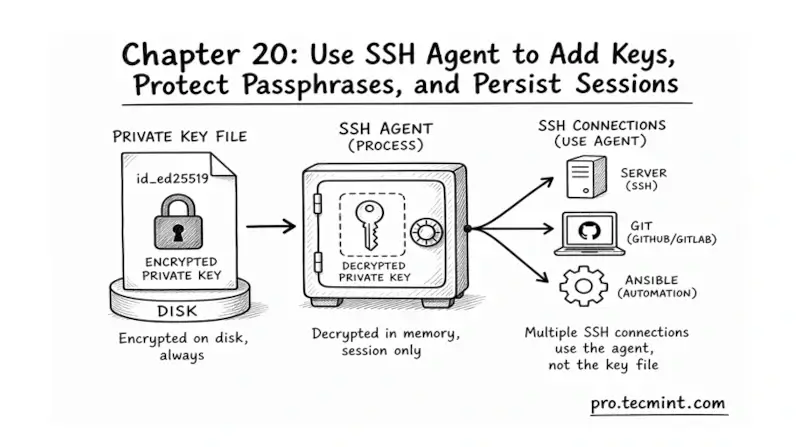
In chapter 20, you'll learn what the SSH agent is, how to start it, add keys, manage passphrases, and keep it running across terminal sessions.
In the previous chapter, you ran the full SSH hardening checklist, where you scanned your server with ssh-audit, and stripped out the weak ciphers and deprecated key exchange methods that modern scanners flag as risky.
Module 5 is closed, and your SSH server is genuinely hardened against the common attack surface.
But there is a side effect of doing that work correctly, and most people hit it by day two. You set a passphrase on your private key back in Chapter 11 because that was the right call, and now every single SSH connection, every scp copy, every git push, and every Ansible run prompts you for that passphrase again.
The friction is so annoying that many sysadmins eventually strip the passphrase from the key just to get their workflow back, which throws away the protection they set up in the first place.
The SSH agent is the official answer to that exact problem, and it gives you the convenience of a passphrase-free workflow without actually removing the passphrase from the key.
 Mead Naji