Chapter 26: Setting Up a Chroot Jail SFTP for Restricted Users
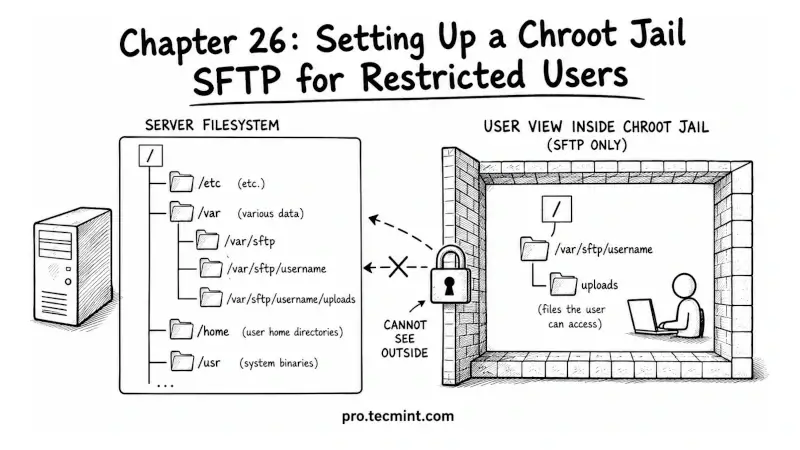
In this chapter, you'll learn what a chroot jail is, how to configure a restricted SFTP-only account on your SSH server, and how to confine users to a specific directory so they can transfer files without accessing anything else on the system.
In the previous chapter, you learned how to use SSHFS to mount remote directories on your local system over SSH, which lets you work with remote files using your local tools without needing to copy them back and forth, and with this, Module 7’s file transfer toolkit is complete.
But file transfers are not always something you do for yourself; sometimes you need to give other people access to transfer files to or from your server, and you want to provide only the minimum access required.
For example, a client who needs to upload files to their web directory, a contractor who needs to drop deliverables into a specific folder, or a backup system that needs write access to one directory and nothing else.
If you give these users a regular SSH account, they can do far more than transfer files; they can browse your entire filesystem, run commands, read configuration files, and potentially access other users’ directories.
A chroot jail SFTP setup prevents this by locking users into a specific directory so they cannot see or access anything outside it.