Chapter 25: Mounting Remote Filesystems Locally Using SSHFS
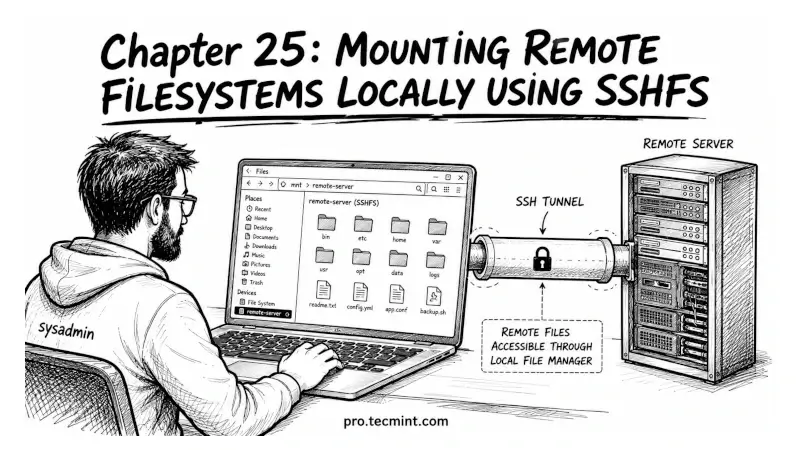
In this chapter, you'll learn what SSHFS is, how to mount a remote directory on your local filesystem over SSH, and how to access and edit remote files using your local tools without copying them first.
In the previous chapter, you learned how to use rsync over SSH for incremental backups, directory synchronization, and automated transfers.
You now have three solid file transfer tools: scp for quick copies, sftp for interactive sessions, and rsync for sync and backups.
All 3 of those tools share the same fundamental approach: you transfer files from one place to another, but sometimes copying is not what you need.
Sometimes you just want to open a file on a remote server in your local editor, make a change, and save it, without thinking about uploads, downloads, or sync commands. That is exactly what SSHFS does.