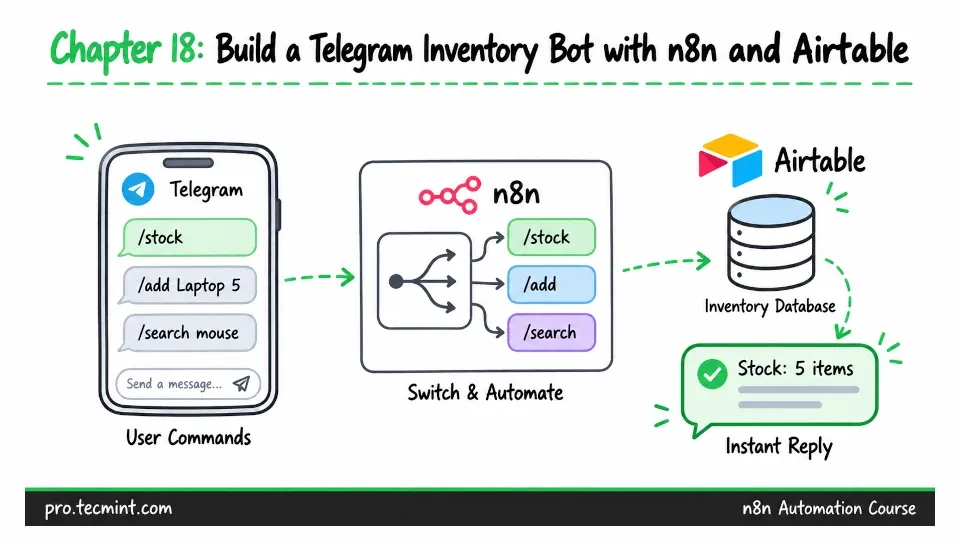
Chapter 18: Build a Telegram Inventory Bot with n8n and Airtable
In this chapter, you’ll build a stock system that you can query directly through Telegram messages. You’ll use a Switch node to route different commands, then combine multiple records into a single, clear reply.
In the previous chapter, you built an expense tracker that took a simple Telegram message, turned it into structured data, and saved that information.
That workflow was mainly about writing data, but in this chapter, you are going to build something that can read data and act on it, which introduces a different set of skills.
Preparing the Stock Table
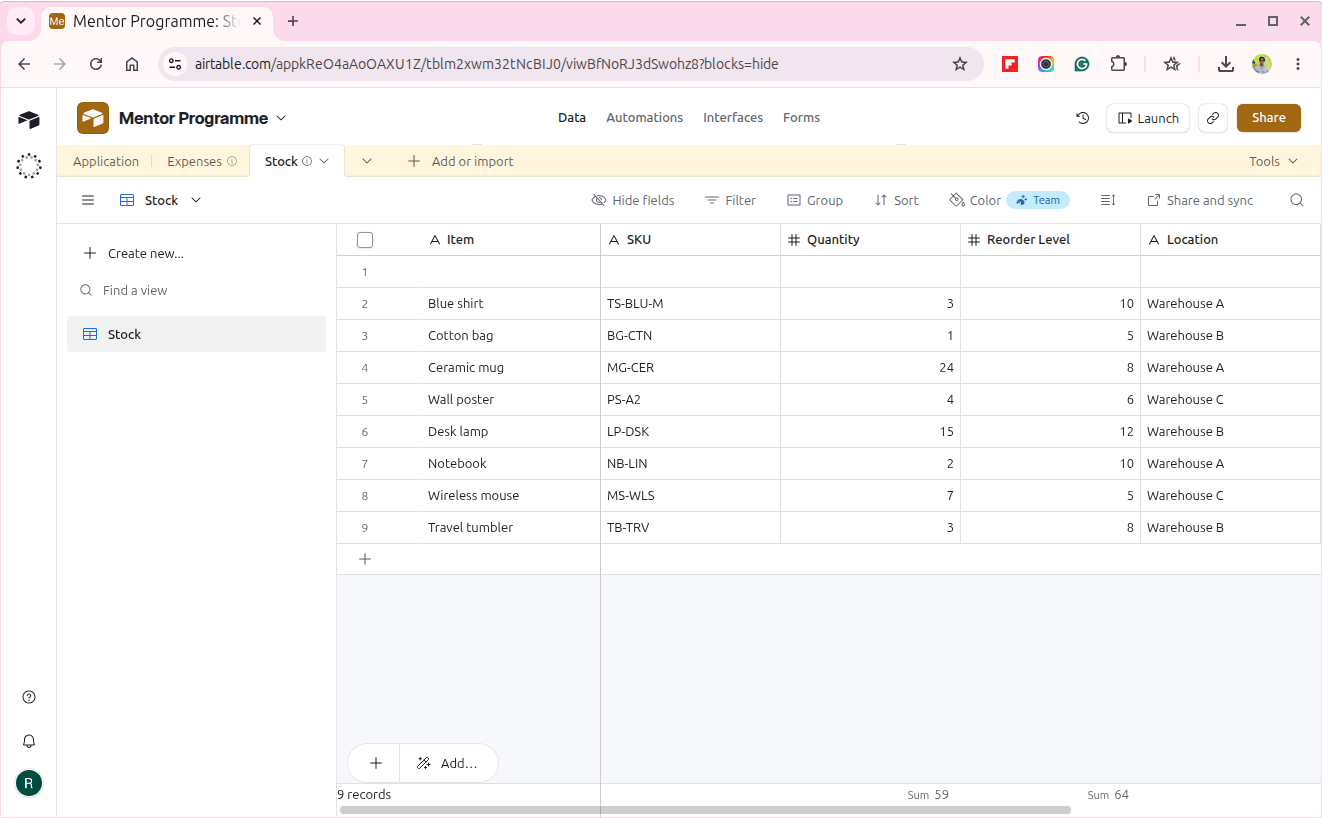
Start by creating a new table named Stock inside the Airtable base you created in Chapter 14.
Add the following fields:
| Field name | Field type |
|---|---|
| Item | Single line text |
| SKU | Single line text |
| Quantity | Number |
| Reorder Level | Number |
| Location | Single line text |
| Updated At | Date |
Next, add a few sample items with realistic stock quantities.
For example:
| Item | SKU | Quantity | Reorder Level |
|---|---|---|---|
| Blue shirt | TS-BLU-M | 3 | 10 |
| Cotton bag | BG-CTN | 1 | 5 |
| Ceramic mug | MG-CER | 24 | 8 |
| Wall poster | PS-A2 | 4 | 6 |
There is an important reason why Reorder Level is stored as a field in Airtable instead of using one fixed number inside the n8n workflow.