Chapter 14: Connect Airtable to n8n and Manage Records
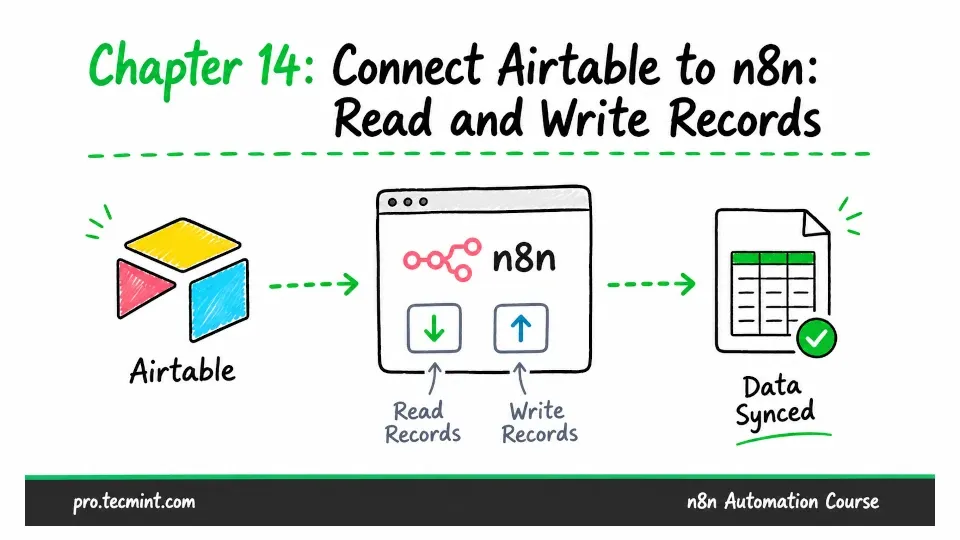
In this chapter, you'll create your first n8n credential, connect Airtable with a scoped token, read records with filters, and write form submissions to a base.
In the previous chapter, you built a complete workflow that collected applications through a form, scored each one, and replied to the applicant. The workflow worked, but it didn't save anything; each application existed only in the execution history.
In this chapter, you'll fix that by connecting Airtable to n8n. Airtable gives your workflows a place to read data from and write data to, so your applications can be stored and used later.
There’s also something more important you’ll learn here: every app node you use later in this course needs a credential, and this is where you'll create your first one.
The same ideas, tokens, scopes, and how n8n stores credentials will also apply to Gmail, Telegram, OpenAI, and the other services you'll use in Modules 4 through 7.