Chapter 9: Connect Any API Using the HTTP Request Node in n8n
In this chapter, you'll use the HTTP Request node to call any API, send query parameters and JSON bodies, authenticate safely, and handle paginated responses.
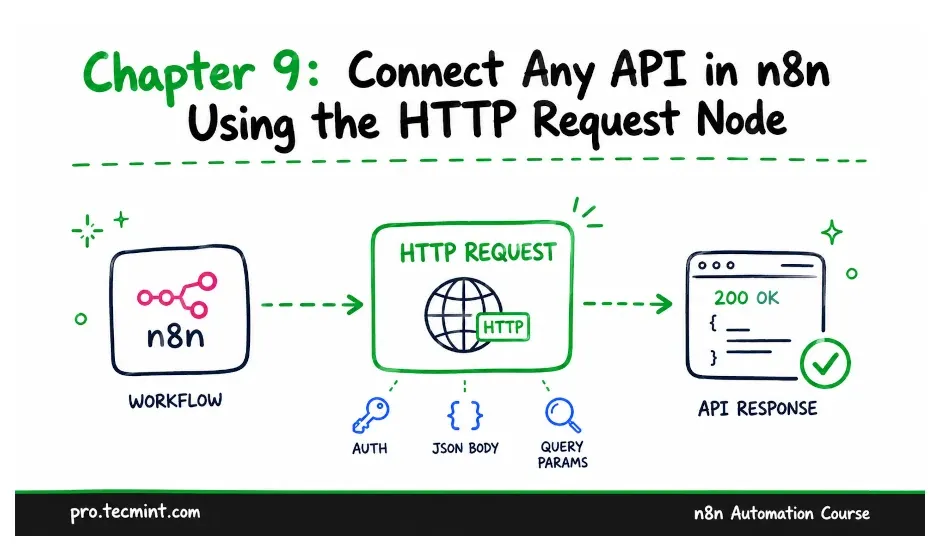
In the previous chapter, you learned how triggers and actions divide the work in a workflow. You also saw what each trigger type is used for and why an action placed after a node that returns five items runs five times.
One type of action we mentioned was a core node, which works with data rather than being tied to a specific service. In this chapter, we’ll look at one of the most useful core nodes: the HTTP Request node.
n8n comes with hundreds of app nodes, but sooner or later, you’ll need to connect to a service that doesn’t have its own n8n node.
It could be a smaller tool your company uses, an internal API your team maintains, or an endpoint from a supported service that its n8n node doesn’t provide.
The HTTP Request node can handle all of these cases. Instead of being built for one particular service, it communicates using the protocol that APIs are built on.