Chapter 8: Monitoring Basic System Metrics in Linux
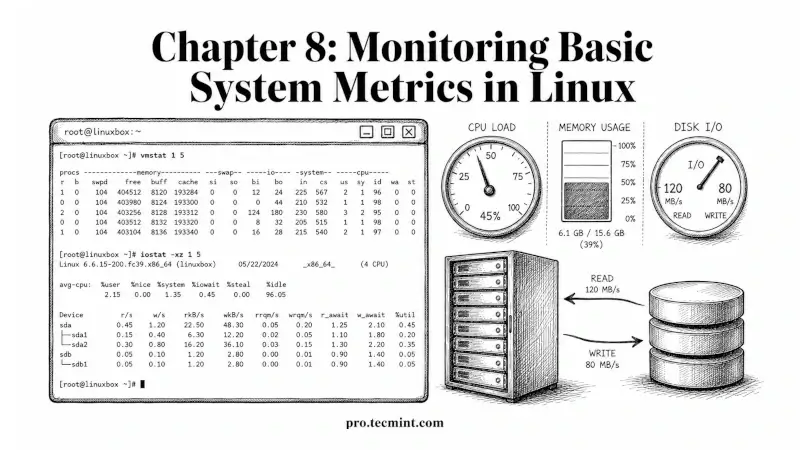
In this chapter, you'll learn how to monitor CPU, memory, disk I/O, and system load in Linux using vmstat, iostat, sar, mpstat, and related tools.
In Chapter 7 of the LFCA Certification Course, you learned how Linux installs, upgrades, and removes software using the apt command and the dnf command.
You also learned how to manage repositories and how to fix broken packages, and those are the tools you'll use to keep a system provisioned and patched.
This chapter covers system metrics monitoring, which is how you find out what a Linux system is actually doing at any given moment: how hard the CPU is working, how much memory is in use, and where disk I/O is going.
Whether the system is under load or running comfortably, this is the difference between reacting to a crashed server at 2 am and catching a problem before it becomes one.
The LFCA exam tests these tools directly in the System Administration Fundamentals domain (30%), and several of the monitoring commands in this chapter also connect to the Linux Fundamentals domain (16%) since reading and interpreting command output is a skill both domains test.
Every command in this chapter was tested on Ubuntu 26.04 LTS, but they work on any modern Linux distribution, including Debian, Fedora, Rocky Linux, and RHEL.