Chapter 6: Managing Time and Date in Linux
In this chapter, you'll learn what system time is, how to check and set time zones, sync time with NTP, and manage the hardware clock in Linux.
In Chapter 5 of the LFCA Certification Course, you learned how Linux tracks users and groups, how to create, modify, and delete accounts, and how to enforce password policies with chage and those skills form the foundation for account management that the rest of Module 2 builds on.
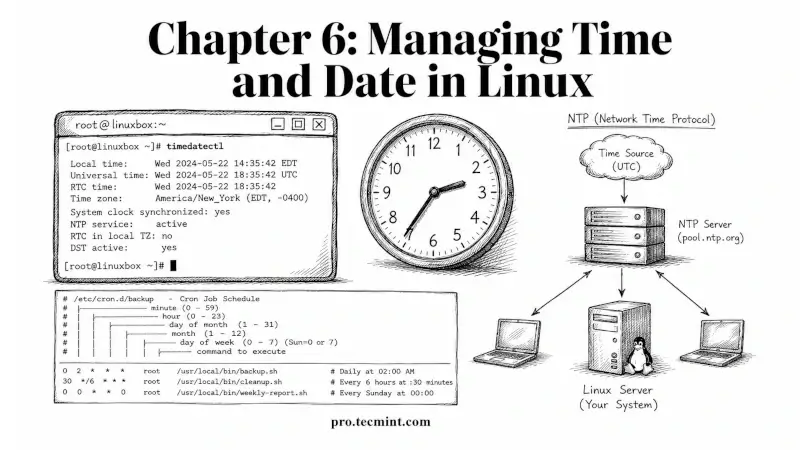
This chapter covers time and date management on Linux, which sounds routine until you're on a production server where logs from 3 different machines disagree on when an outage started, or a TLS certificate validation fails because the system clock drifted by 5 minutes, or a cron job runs at the wrong hour because the time zone was never set after the server was provisioned.
All of those are real problems that trace directly back to incorrect time configuration.
This is a direct System Administration Fundamentals domain (30%) exam topic, and the LFCA tests both the commands and the concepts behind them.
Every command in this chapter was tested on Ubuntu 26.04 LTS, but they work on any modern Linux distribution, including Debian, Fedora, Rocky Linux, and RHEL.