Chapter 21: Getting Started with Docker on Linux
In this chapter, you'll learn what containers are, how Docker works, how to build and run containers, manage images, use volumes, and connect containers to networks in Linux.
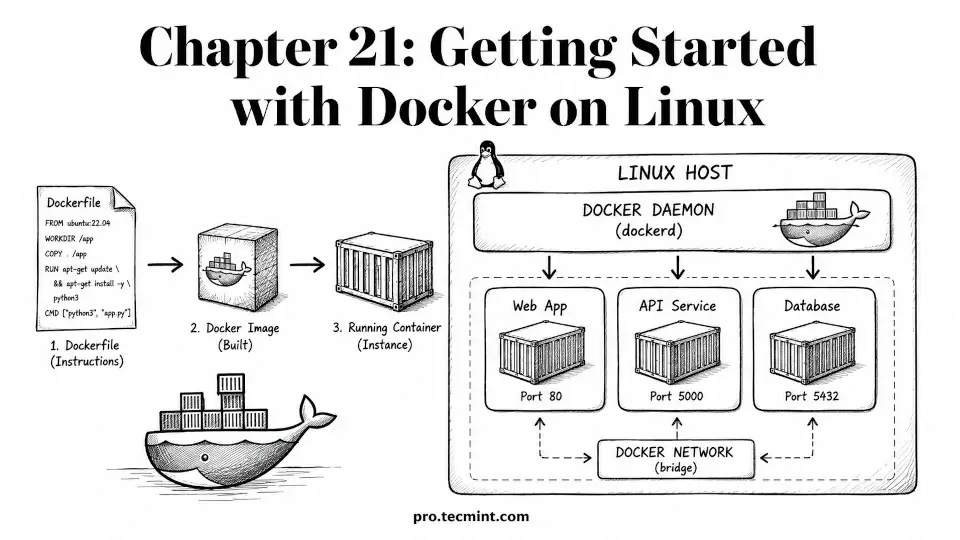
In Chapter 20 of the LFCA Certification Course, you learned the basics of DevOps, including how CI/CD pipelines work, what Infrastructure as Code (IaC) is, and how containers help solve the "works on my machine" problem by packaging applications and their dependencies into a portable unit.
In this chapter, you'll move from theory to hands-on practice with Docker, the most popular container platform, where you will learn what containers are, how they differ from virtual machines, how to install Docker, create and run containers, manage images, use volumes to store data, connect containers through networks, and push images to a registry.
The DevOps Fundamentals section of the LFCA exam focuses on practical container skills. You'll need to understand common Docker commands, what their output means, and how different components work together.
All examples in this chapter were tested on Ubuntu 26.04 LTS, but Docker commands still work the same way on other Linux distributions such as RHEL, Rocky Linux, Debian, and Fedora, as long as Docker Engine is installed.