Project 6: Create a Terminal-Based System Monitor with Go
Learn to build a real-time system monitor in Go that tracks CPU and memory usage with a beautiful terminal dashboard.
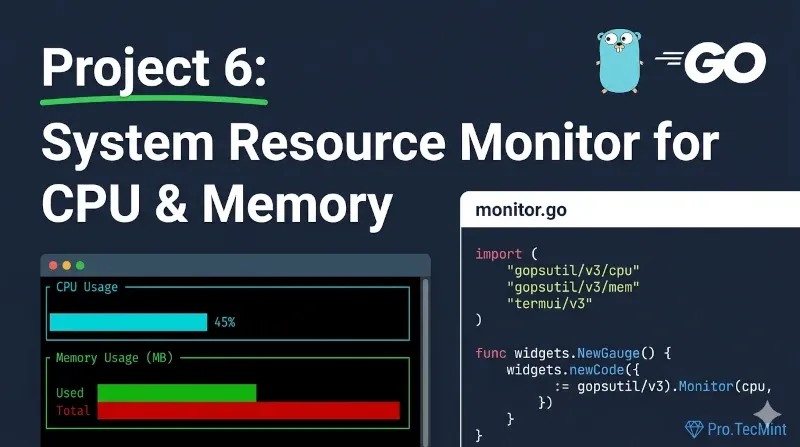
Whatever your role is, system monitoring is one of the most important daily tasks, as it gives you an idea about system usage and resources.
Even on your personal system, you should monitor daily to see what happened and how much of the resources you consumed during work, especially if you are doing heavy tasks like editing and virtualization.
In Linux, there are a lot of tools that offer system monitoring and show information about resource usage.
Just to note, monitoring is a big word and means a lot, but in our case here, we will explain and talk about resource usage, like CPU and memory usage.
In this project, we will try to build a project that will let us get the necessary information about CPU and memory in a nice and real-time way, just like other tools do, for example top in Linux.
Prerequisites
This project builds on everything you've learned so far:
- Lesson 1: Structs, functions, loops, control flow.
- Lesson 2: Working with external data and JSON.
- Lesson 3: Installing and using external packages with
go get - Project 3: Understanding data structures and real-time updates.
- Project 5: Working with continuous processes (like the HTTP server).
Additionally, this project introduces new concepts:
- Interacting with the operating system to read system information.
- Creating terminal-based user interfaces (TUI).
- Working with real-time data updates.
- Using goroutines and channels for concurrent operations.
This is one of the most practical projects in this series, where you'll build a tool you can actually use daily to monitor your system's performance.
Make sure you're comfortable with these foundational concepts before proceeding.