Project 5: Building an HTTP Server in Go
Learn how to build a static file server in Go using the `net/http` package, covering `http.ListenAndServe`, `http.FileServer`, `http.Handle`, and how to serve HTML files from a local directory.
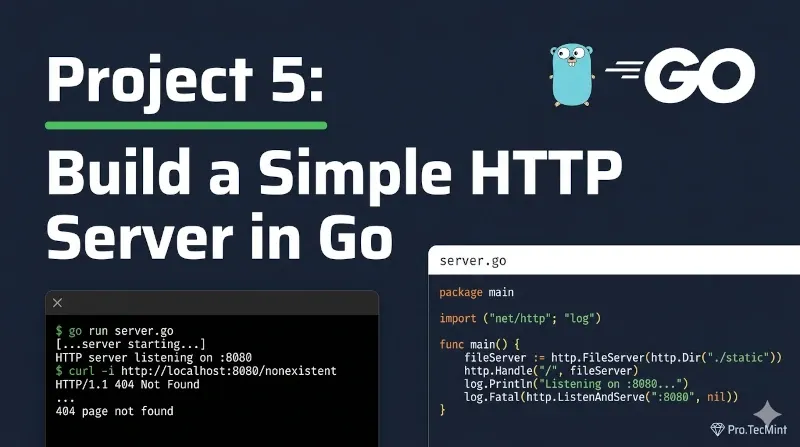
In Project 4, you built a Markdown to HTML converter that reads a file, transforms its content, and writes the result to standard output.
You saw how Go handles flexible input through io.Reader and how os.WriteFile puts data exactly where you need it.
This project takes that output and does something real with it - instead of writing HTML to a file manually, we will build a Go server that serves it directly to a browser.
By the end, you will have a working web server you can run locally and extend into something bigger.
What Is an HTTP Server?
A server, in general, is software that listens and responds to HTTP requests coming from users, usually from a web browser.
The responsibilities of a server are to listen and serve files, such as HTML pages and images. The job of the server is to process the request and send back the appropriate response.
All communication between the client (a browser, for example) and the server is done using the TCP/IP network, using standard ports such as 8080 or 80 for HTTP and 443 for HTTPS.
Think of it this way: in Lesson 2, when you used http.Get() to fetch data from the GitHub API, there was a server on the other end responding to your request. Now you're building that server-side.
What We Will Build
A static file server that:
- Starts a local web server on port 8080.
- Serves HTML files from a directory called
src - Automatically serves
index.htmlwhen a user visits/ - Serves any other file in the directory by its URL - for example, visiting
/about.htmlservessrc/about.html
You will run it like this:
go run server.go
Then open http://localhost:8080 in your browser and see your HTML page load.