Project 7: Building a Currency Converter Tool in Go
Build a currency converter CLI tool in Go using exchange rate APIs while learning API authentication, floating-point calculations, and practical financial application development.
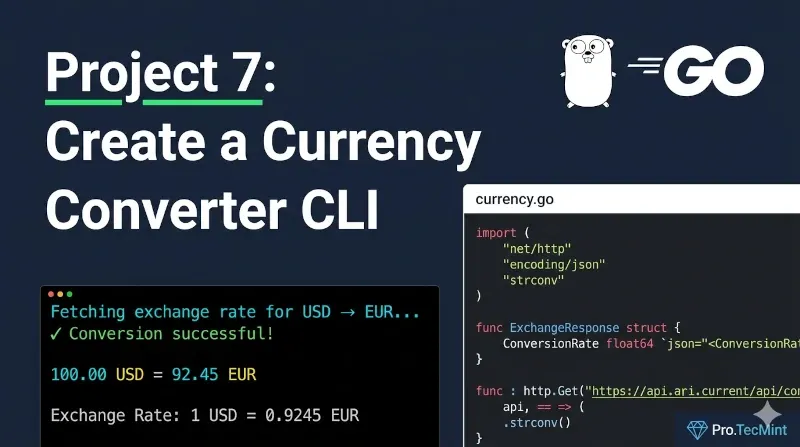
Currency is something that changes every minute, and you need to check what the rates are and how your currency compares to the dollar or euro.
If you are a freelancer, sometimes you need to check the client's currency compared to yours or you might open a platform and see prices listed in another currency. For these reasons, you will need a way to check the exchange rate.
Building a currency converter tool is a good idea. First, you will practice working with and getting data from a useful API. Second, you will have a tool you can use daily yourself.
Prerequisites
This project builds on everything you've learned so far:
- Lesson 1: Structs, functions, control flow, type conversions.
- Lesson 2: Making HTTP requests, parsing JSON responses, working with APIs.
- Lesson 3: Using external packages for enhanced output.
- Projects 1 & 2: Working with real-world APIs (GitHub API).
- Projects 3-6: Command-line argument handling and validation.
This project is similar to Projects 1 and 2 where we worked with the GitHub API, but now we'll work with a financial API that requires authentication.
Make sure you're comfortable with these foundational concepts before proceeding.