Chapter 50: Set Up an SSH Certificate Authority (CA) on Linux
In this chapter, you'll learn how to set up an SSH Certificate Authority, issue short-lived SSH certificates, and revoke them, replacing long-lived keys with a more secure certificate-based model.
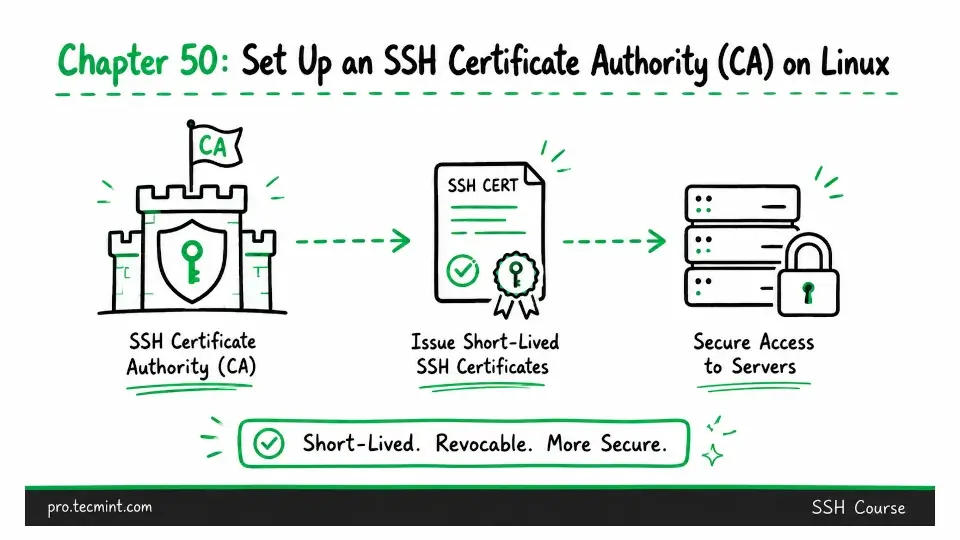
In the previous chapter, you learned how to set up SSH session logging, audit trails, and compliance features using auditd, centralized syslog, and an introduction to Teleport for session recording. With that, you completed Module 14.
You are now beginning Module 15, the final module before the course comes to an end. In this module, you'll learn about enterprise-grade SSH management that organizations use in environments with hundreds or thousands of servers, where traditional SSH key management becomes difficult to maintain.
The primary challenge at scale is the authorized_keys file, where every user who needs access to every server must have their public key added to that server's authorized_keys file. With 50 users and 200 servers, that can mean managing up to 10,000 key entries.
Whenever someone joins the team, you have to add their key to every server they need to access. When someone leaves, you have to find every server they had access to and remove their key.
If a key is compromised, you have to repeat the same process, which quickly becomes difficult to manage as your environment grows
This model works well for small environments, but it does not scale efficiently in large infrastructures.
SSH Certificate Authorities (CAs) address this problem by replacing direct key-based trust with certificate-based trust. Instead of configuring every server to trust every user's public key, servers are configured to trust a single Certificate Authority. '
Users authenticate with certificates issued by that trusted CA, allowing centralized control over access without maintaining large authorized_keys files on every system.