Chapter 6: Self-Host n8n on a Linux VPS with Nginx and SSL
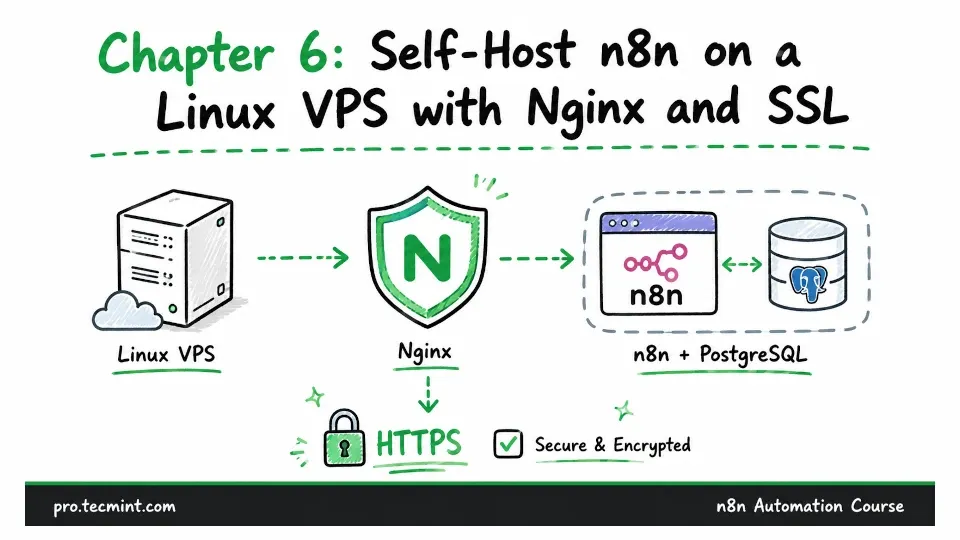
In this chapter, you'll deploy n8n on a Linux VPS with Docker and PostgreSQL, put Nginx in front of it, and secure it with a free Let's Encrypt certificate.
In the previous chapter, you deployed n8n on Railway, which gave you an always-running n8n instance with a public address, while Railway managed the server and infrastructure behind the scenes.
In this chapter, you will learn the fourth and final installation method in Module 2: running n8n on your own Linux server that you rent and manage yourself.
With this approach, you take over the responsibilities that Railway handled for you. In return, you get complete control over the server, a predictable monthly cost that does not change based on usage, and no limits other than the resources available on your machine.
This is also the deployment setup used throughout the rest of this course. From Module 3 onward, the chapters assume you have an n8n instance that is always running and can accept requests from the internet.
The process has four main parts.
- First, you will prepare your Linux server and secure access to it.
- Next, you will run n8n and PostgreSQL using Docker Compose.
- After that, you will configure Nginx as a reverse proxy in front of n8n.
- Finally, you will set up an SSL certificate to secure the connection with HTTPS.