Chapter 15: Using the n8n Set Node (Edit Fields)
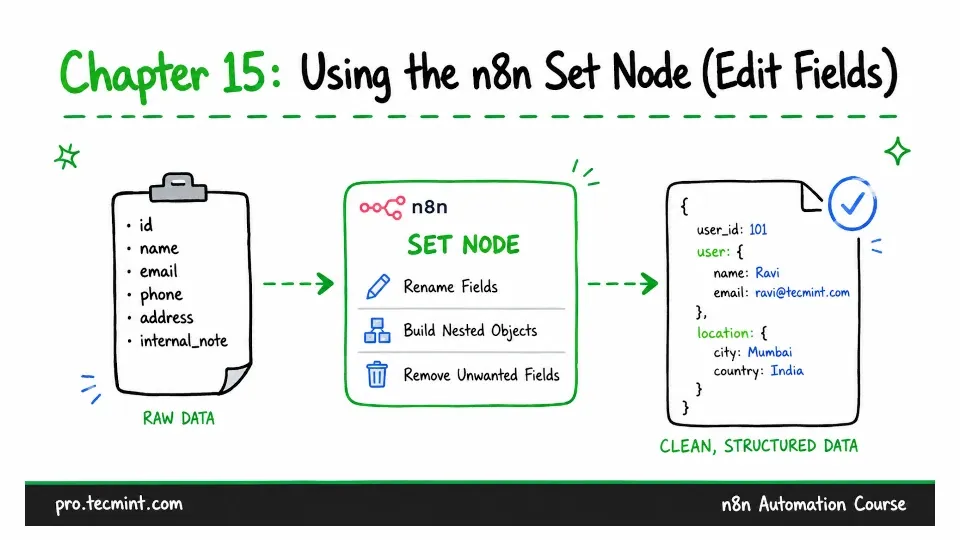
In this chapter, you'll use the Set node to rename fields, build nested objects, drop what you do not need, and fix data before it reaches the next node.
In the previous chapter, you connected Airtable, created your first credential, and saw how Airtable returns each record with the actual data nested inside a fields property.
This is a common situation when working with n8n, where one node may send data in one format, while the next node expects it in another. When that happens, you need to change the data structure before passing it to the next node.
That is what the Set node is used for. You have already used this node in five earlier chapters, where n8n calls it Edit Fields. We used it there without going into much detail because this chapter is where we explain what it does and how to use it.
You may notice that n8n uses two names for the same node. On the canvas and in the node panel, it is called Edit Fields. However, n8n's documentation and community discussions still often call it the Set node.
This course also uses the name Set node. So, if you see either Set or Edit Fields, they refer to the same node.