Chapter 10:Use n8n Expressions to Work With Dynamic Data
In this chapter, you'll write n8n expressions to pull data from earlier nodes, reach into nested fields and arrays, handle dates, and cope with missing values.
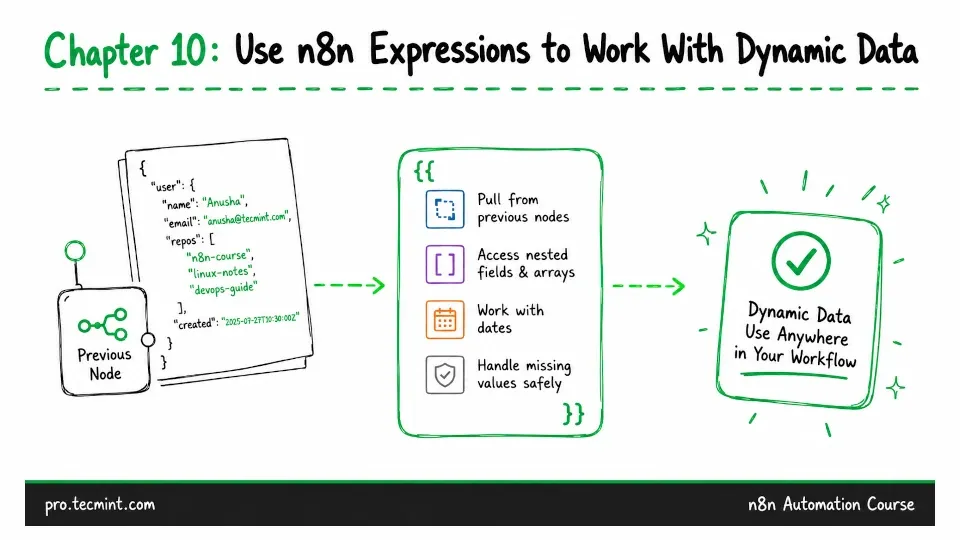
In the previous chapter, you used the HTTP Request node to call an API, send data via POST, and page through large responses. Every value in that node was typed by hand, which means it does the same thing on every run.
But a workflow built entirely on fixed values can only handle a single situation. The real power of automation is that it can work with whatever data comes in.
For example, a URL might need an ID from the previous node, or an email body might need the name of the customer being processed.
This is where expressions come in.
In this chapter, you’ll learn the basic expression syntax, how to access data from anywhere in the workflow, how to handle dates and missing values, and how to work with the arrays you saw repeatedly in Chapter 9.