Chapter 11: Write Custom JavaScript with the n8n Code Node
In this chapter, you'll write JavaScript in the n8n Code node, choose between running once per item or across all items, and return data in the right shape.
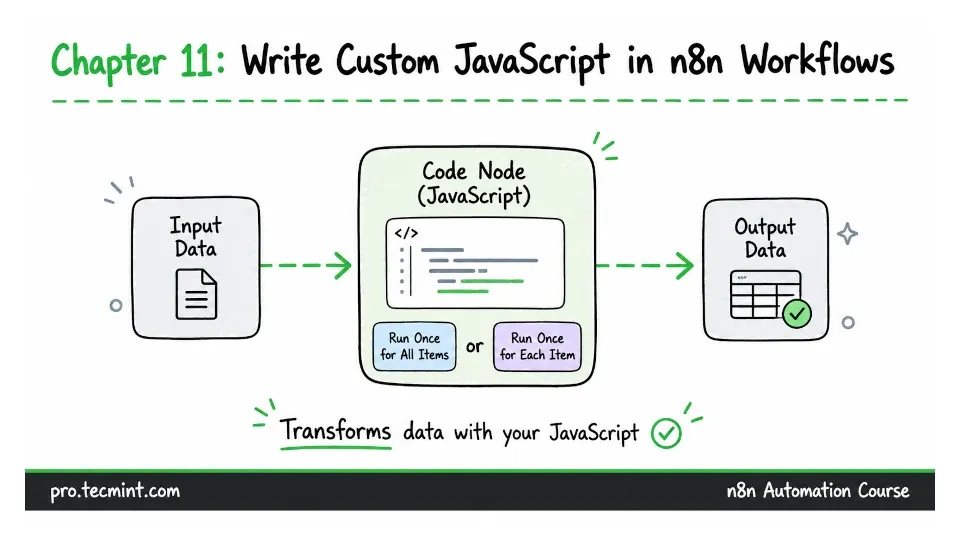
In the previous chapter, you learned about expressions, which are useful when you need to create a single value from the data moving through a workflow. But expressions have their limits.
They work with one value at a time, so they are not the right tool when you need loops, several steps of logic, or operations across a whole set of items.
That is where the Code node comes in.
The Code node lets you run JavaScript over your data, with access to everything in the workflow, and returns whatever you build.
If you are following older n8n tutorials, you may see this called the Function node, which was renamed, and the older Function and Function Item nodes are no longer separate nodes. Their two behaviours are now available as the two run modes of the Code node.
The JavaScript itself is usually not the hardest part. The part that often causes problems is the data format n8n expects the Code node to return.
Your code can run perfectly and still fail if the returned data is not in the right shape.