Chapter 4: Installing SSH on Linux and macOS
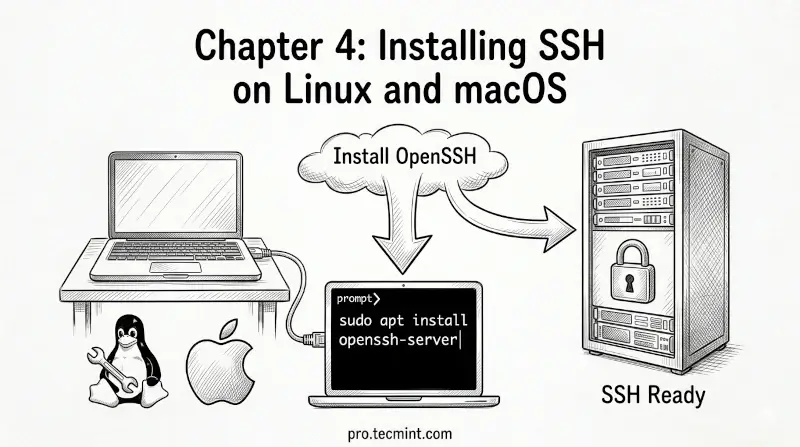
In this Chapter 4, learn how to install and configure SSH on Linux and macOS, and get your SSH client and server ready for secure remote connections.
In the previous chapter, you learned about the two versions of the SSH protocol and the real-production use cases where SSH is used every day.
Now it is time to move from theory into practice, but before you can connect to any remote server, you need to make sure SSH is installed and ready on your machine.
In this chapter, you will learn how to install and set up SSH on Linux and macOS. Windows users, do not worry - the next chapter is dedicated entirely to you.
 Ravi Saive
SSH Has Two Parts
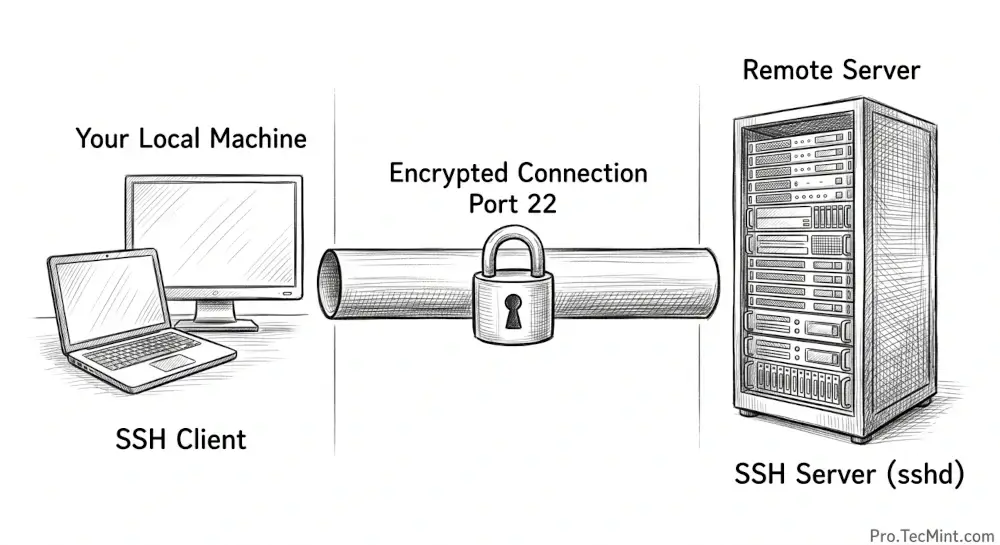
Before jumping into installation, it is important to understand that SSH comes in two parts:
- SSH Client - the part you install on your local machine to initiate connections to remote servers.
- SSH Server (sshd) - the part you install on the remote machine to accept incoming SSH connections.
In most cases, your local machine only needs the SSH client and the remote server you want to manage needs the SSH server running on it.
The good news is that on most Linux distributions and macOS, the SSH client comes pre-installed and you may only need to install the SSH server if you are setting up a machine that others will connect to.