Chapter 2: How SSH Clients Connect to Servers
In this chapter, you will learn what happens behind the scenes when you run an SSH command, which will help you troubleshoot connection problems, recognize security warnings, and understand how SSH works in Linux systems.
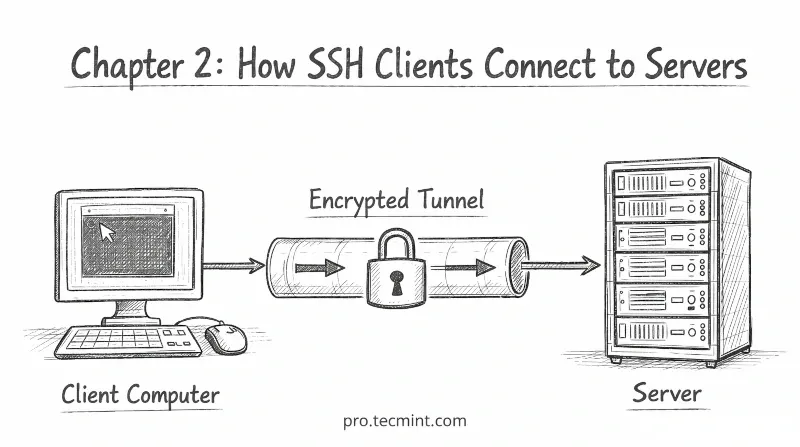
Before we look at how the SSH connection process works, it is helpful to understand the basic structure behind SSH.
SSH uses something called a client-server model, which explains how two computers connect and communicate securely.
The SSH Client-Server Model
SSH communication always involves two machines: a client and a server.
The client is the computer you are using, such as a laptop, desktop workstation, or any machine from which you initiate the connection.
The server is the remote machine you want to access, such as a VPS, a cloud server, or a machine located in a data center.
The client always starts the connection, and the server simply waits and listens for incoming requests.
Once the connection is established, the client can execute commands on the server as if the user were physically sitting in front of that machine.
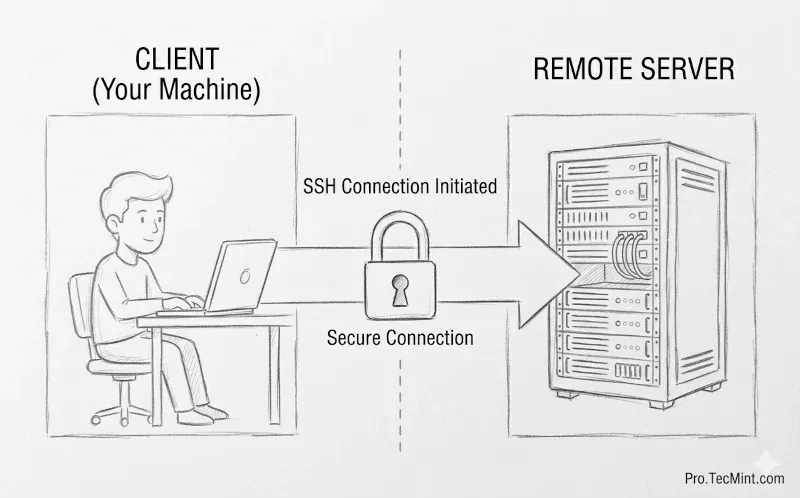
What Happens When You Run SSH
When you type ssh user@server-ip and press Enter, the connection appears to happen instantly. However, in reality, several steps happen in the background before you see the terminal prompt.
ssh user@server-ip
These steps are called the SSH handshake.
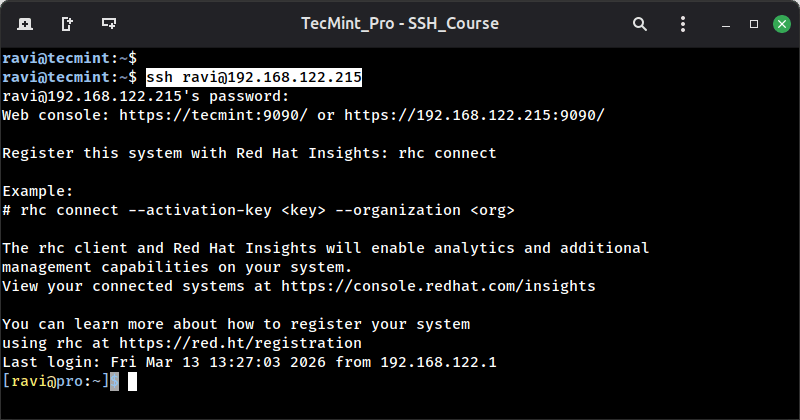
Every SSH connection follows the same process, whether you are connecting to a small personal server or a large production system. SSH simply performs these steps very quickly.
Let us walk through each step one by one.
Step 1: TCP Connection (Port 22)
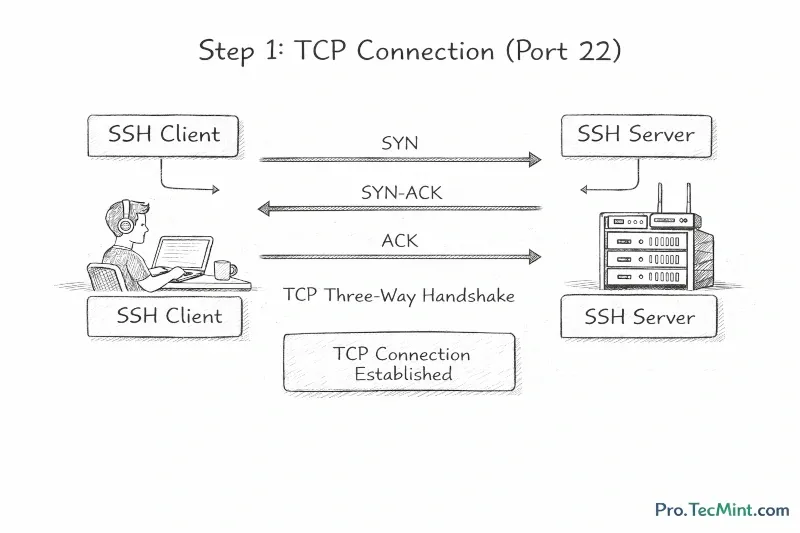
Before SSH can do anything, it needs a basic network connection, because SSH uses TCP (Transmission Control Protocol) as its transport layer, and by default, it connects on port 22.
Your client sends a TCP connection request to the server on port 22 , and the server accepts the request, and the connection is established.
This process is known as the TCP three-way handshake: SYN, SYN-ACK, ACK - that you may already be familiar with from networking basics.
At this point, there is no encryption yet, just a raw TCP connection open between the two machines.